Document ID# 1229936
1998 Saturn SL2/SC2/SW2
Lumbar Replacement - Front Seat
Removal Procedure
Remove the driver's seat from the vehicle. Refer to
Seat Replacement - Front Bucket
.
Remove the seat back and seat back cover. Refer to
Seat Back Cover and Pad Replacement - Front
.
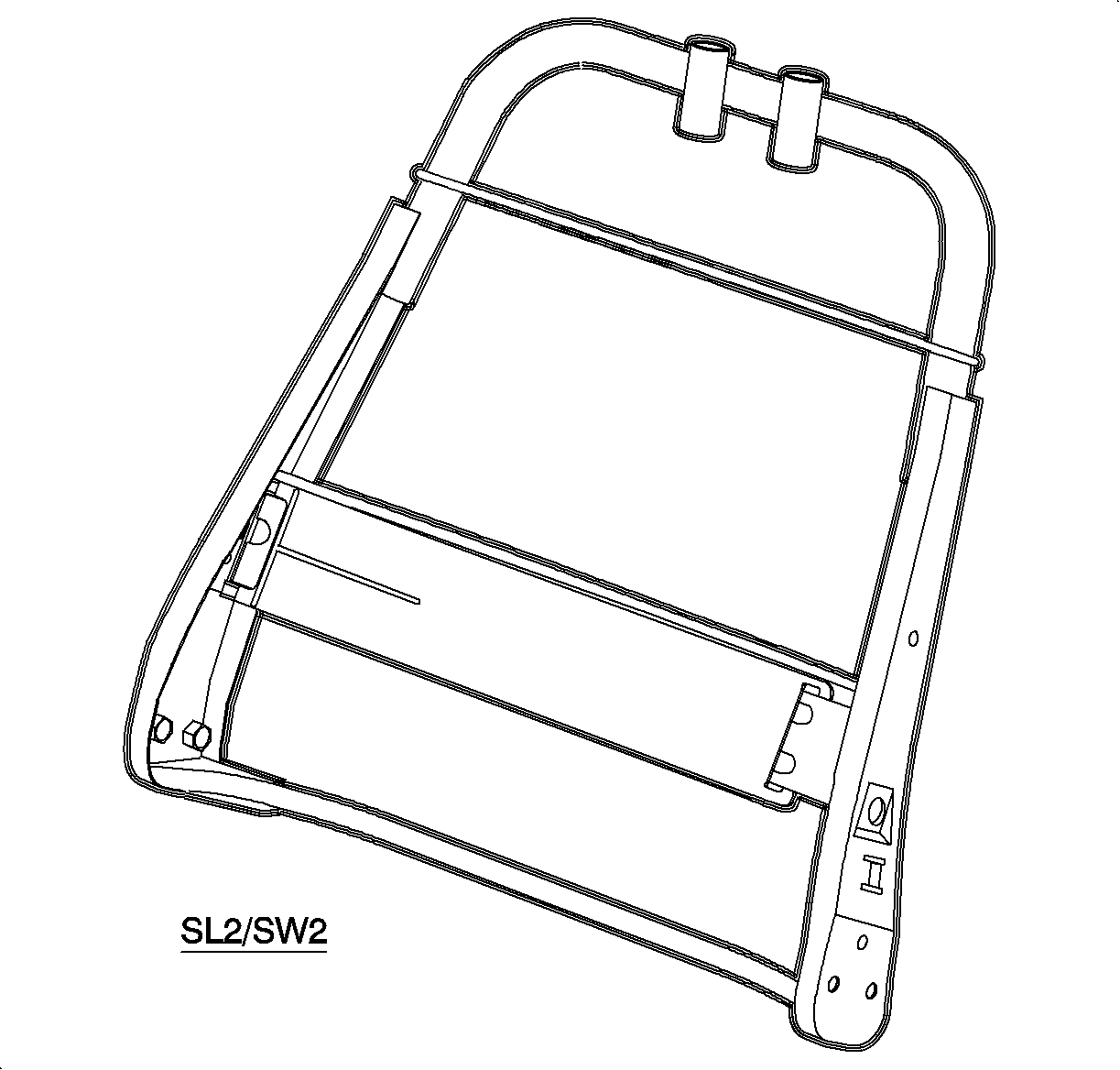
With the seat back cover and pad removed, unsnap the lumbar assembly from the seat frame assembly. Guide the lumbar assembly out of the access hole on the inboard side of the seat frame.
Installation Procedure
Guide the lumbar assembly into the access hole on the inboard side of the seat frame.
Snap lumbar unit into the seat frame.
Install the seat back cover to the frame and install the seat back frame to the seat bottom. Refer to
Seat Back Cover and Pad Replacement - Front
.
Install the driver's seat into the vehicle. Refer to
Seat Replacement - Front Bucket
.
Document ID# 1229936
1998 Saturn SL2/SC2/SW2