
Ensure that the vehicle is properly supported and squarely positioned.
To help avoid personal injury when a vehicle is on a hoist, provide additional support
for the vehicle on the opposite end from which the components are being removed.Caution
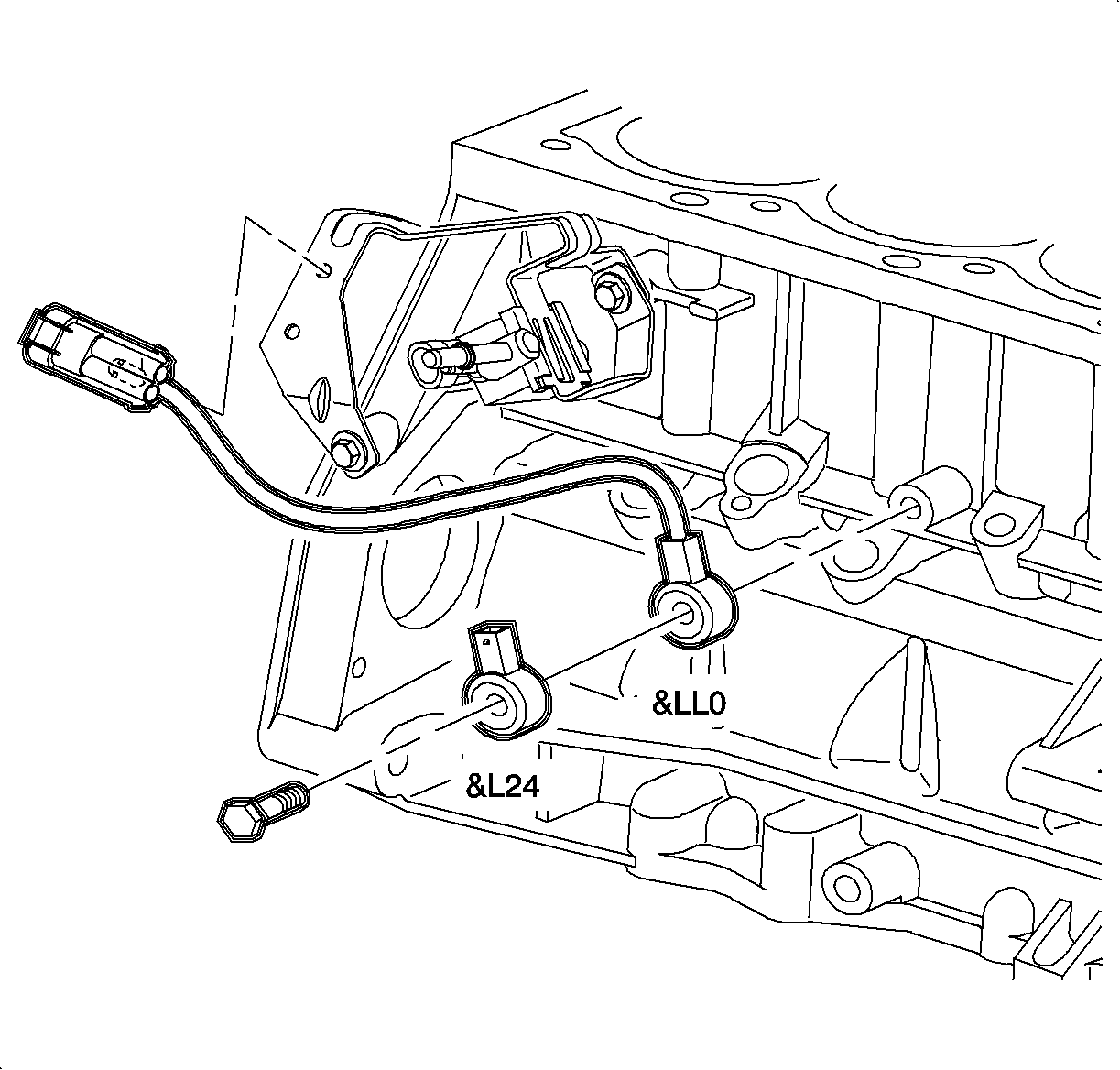
richpin06a Knock Sensor Replacment
Ensure that the vehicle is properly supported and squarely positioned.
To help avoid personal injury when a vehicle is on a hoist, provide additional support
for the vehicle on the opposite end from which the components are being removed.Caution
Refer to Fastener Notice in Cautions and Notices.
The larger metal contact area of the knock sensor MUST be toward the engine
block. DTC P0327 may result if the sensor is installed backwards.Important
Tighten the knock sensor to 25 N·m (19 lb ft).
If the new knock sensor connector retaining clip is going to be used, the old
one must be removed from the bracket. Use diagonal cutters to remove.Important