Document ID# 1197890
1998 Saturn SL2/SC2/SW2
 

Air Outlet Replacement - Floor LHD

Removal Procedure

    Object Number: 859434  Size: SH
    Click here for detailed picture of above image.
  1. Disable the SIR system. Refer to Disabling the SIR System in SIR.
  2. Remove both of the lower trim panel extensions.
  3. Remove the lower I/P closeout panel and the lower heater duct. Refer to Heater Core Replacement .
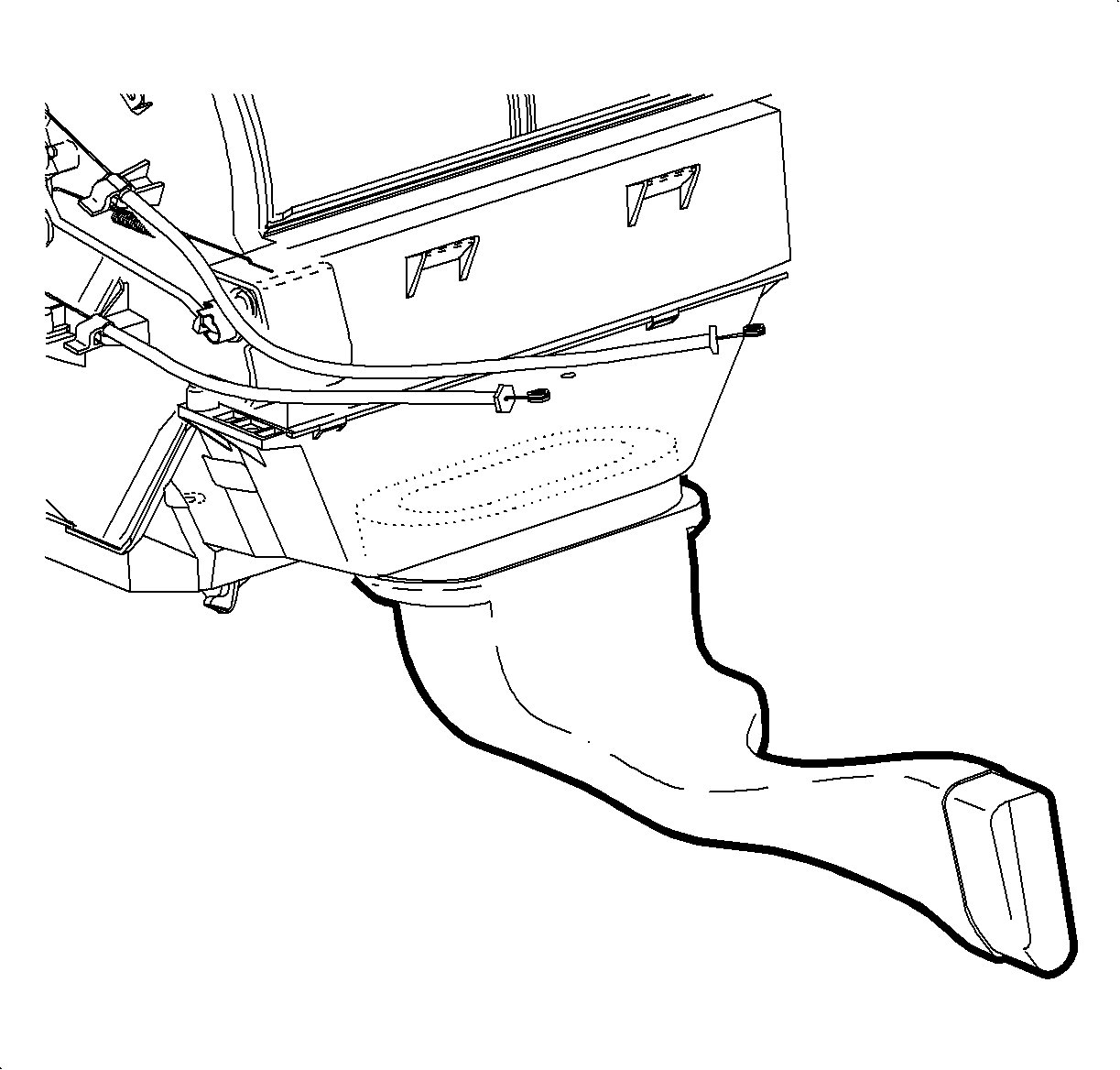
  4. Lift the main rear floor heater duct off of the mounting bolt and push forward to disconnect from the right rear floor heater duct.
  5. Notice

    Be careful not to damage foam seal.


    Object Number: 862603  Size: SH
    Click here for detailed picture of above image.
  6. Slide the duct rearward from under the HVAC module and remove.
Installation Procedure

    Object Number: 862603  Size: SH
    Click here for detailed picture of above image.
  1. Slide the duct under HVAC module.

  2. Object Number: 859434  Size: SH
    Click here for detailed picture of above image.

    Important

    Make sure the main rear floor heater duct is properly positioned on the stud.
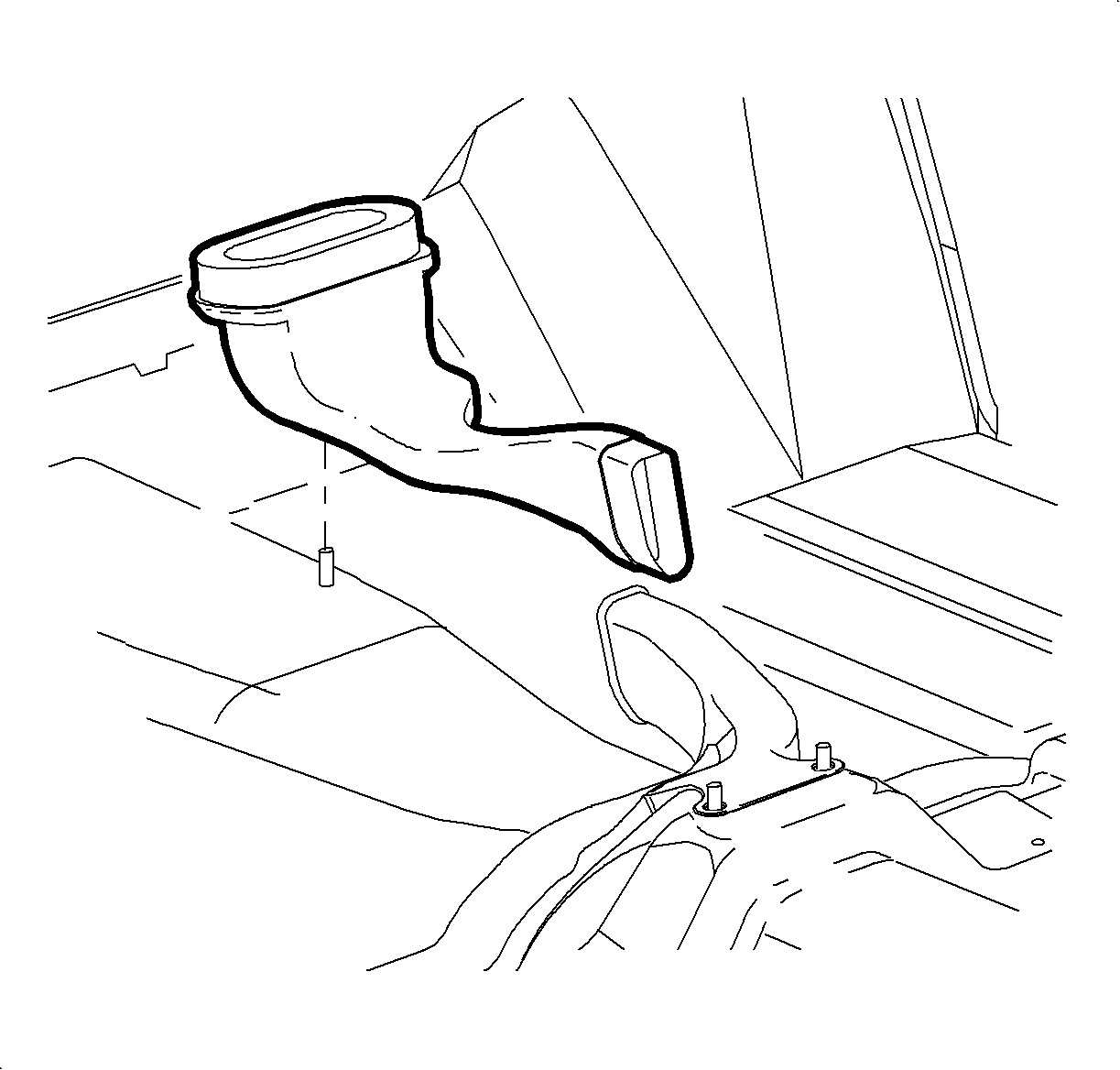
  3. Pull the main rear floor heater duct rearward and connect to the right rear floor heater duct.
  4. Install the lower heater duct.
  5. Install both of the lower trim panel extensions.
  6. Enable the SIR system. Refer to Enabling the SIR System in SIR.

  Document ID# 1197890
1998 Saturn SL2/SC2/SW2