Blower Motor Control Processor Replacement LHD Only
richpin06a Blower Motor Removal
richpin06a Checking Blower Motor Amperage Draw
Removal Procedure


- Disconnect the blower motor electrical connector.
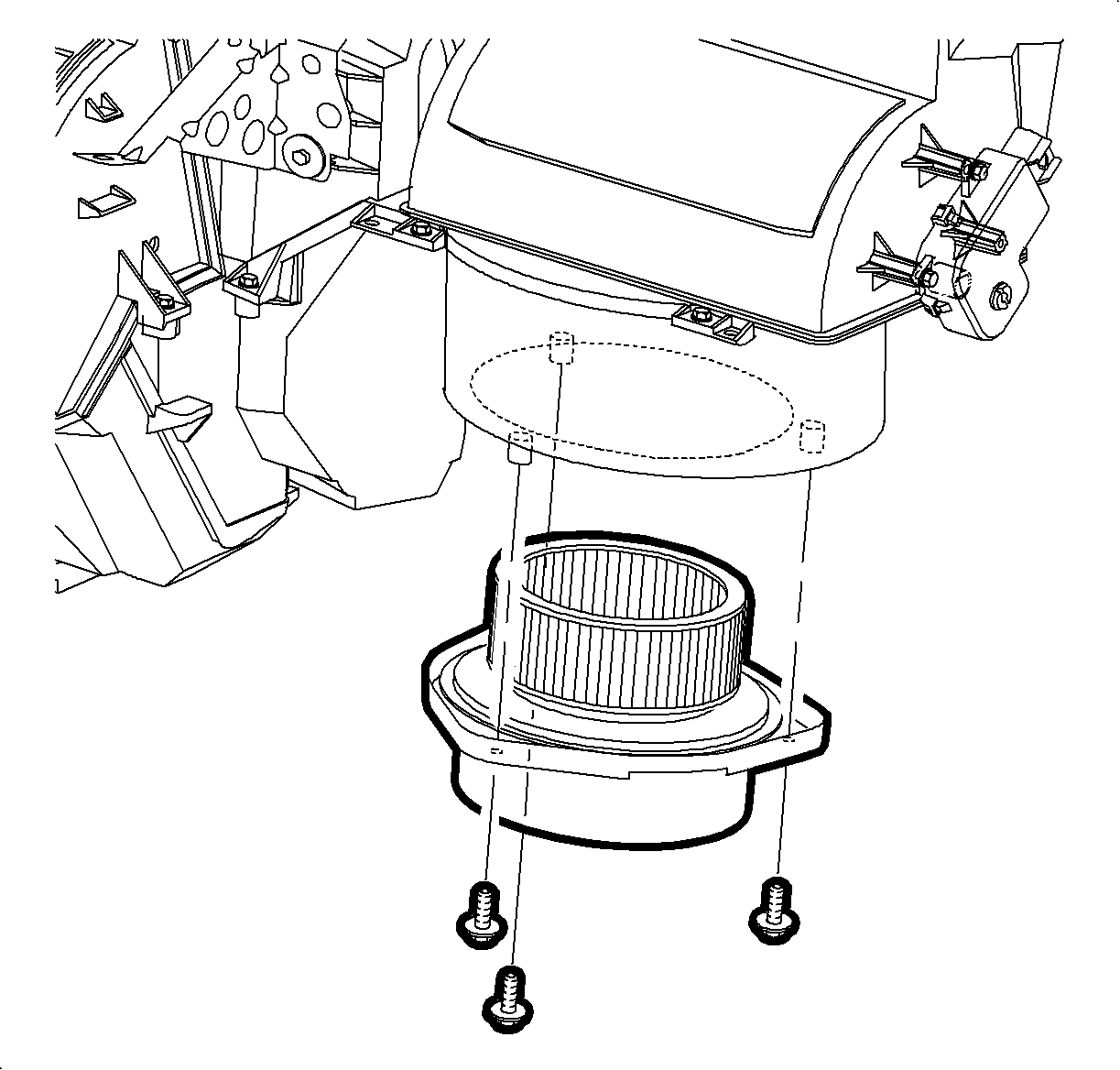
- Remove the blower motor mounting screws.
- Remove the blower motor and cover.
Installation Procedure
- Install the blower motor and cover.
- Install the blower motor mounting screws.
TightenTighten the blower motor mounting screws 1.7 N·m (15 lbs in).
- Install the electrical connector to the blower motor.