Document ID# 1227668
1998 Saturn SL2/SC2/SW2
Marker Lamp Replacement - Front Side
Removal Procedure
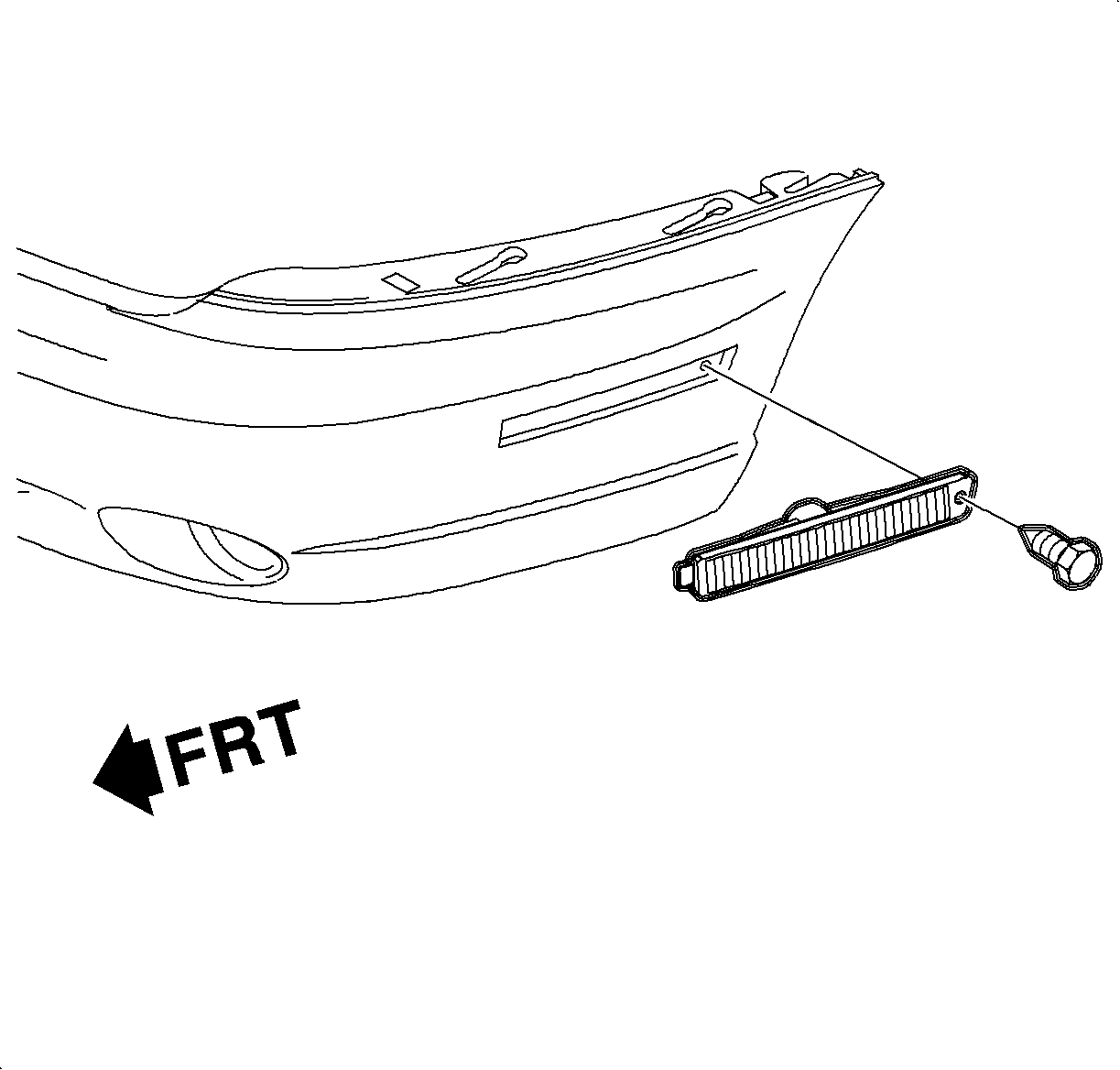
Remove the screw and pull the lamp out of the fascia.
Disconnect the lamp socket and remove the lamp.
Installation Procedure
Connect the lamp socket to the lamp.
Insert the tab of the lamp into the fascia and install the lamp with the screw. Tighten the screw.
Document ID# 1227668
1998 Saturn SL2/SC2/SW2