Document ID# 889804
1998 Saturn SL2/SC2/SW2
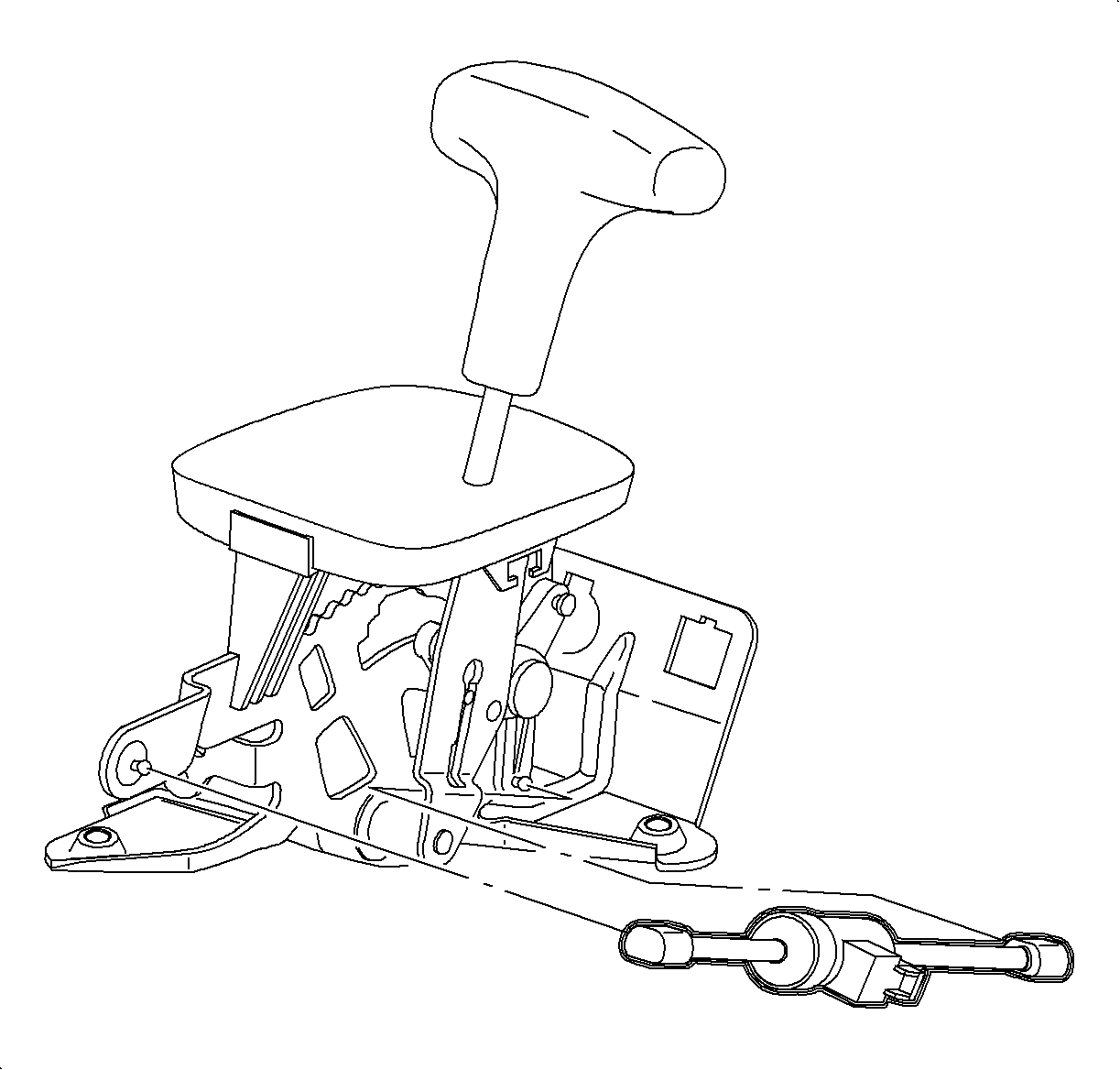
Park Lock Solenoid Replacement
Removal Procedure
Disable SIR system. Refer to
Disabling the SIR System
in the SIR section.
Remove console. Refer to
Console Replacement
in the Instrument Panel, Gages and Console.
Disconnect BTSI solenoid harness connector.
Using a screw driver, disconnect plastic retainers at solenoid base and at the park lock lever.
Remove solenoid from shifter assembly.
Installation Procedure
Install solenoid into shifter assembly. Connect plastic retainer at solenoid base and at the park lock lever.
Connect BTSI solenoid harness connector.
Verify operation. Refer to
Park Lock System Check
.
Install console. Refer to
Console Replacement
in the Instrument Panel, Gages and Console.
Enable the SIR System. Refer to
Enabling the SIR System
in the SIR section.
Document ID# 889804
1998 Saturn SL2/SC2/SW2