Document ID# 1229865
1998 Saturn SL2/SC2/SW2
Console Storage Bin Replacement
Removal Procedure
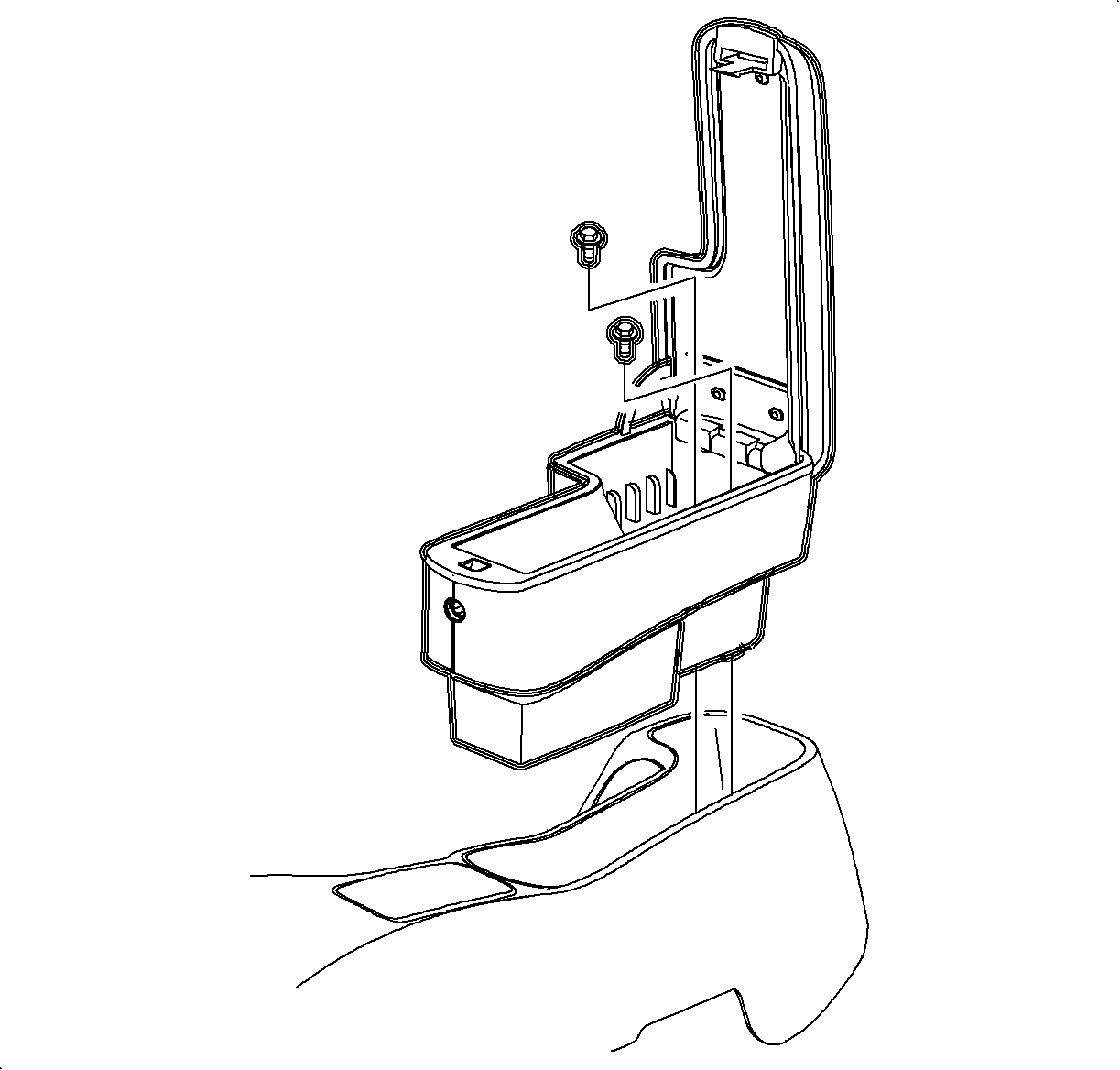
Open the armrest cover
Remove the armrest fasteners and the left armrest out of the center console.
Installation
Install the armrest assembly into the console rear storage tray, open the armrest cover and install the screws.
Notice
Refer to
Fastener Notice
in Cautions and Notices.
Tighten the screws.
Tighten
Tighten the screws to 1.6 N·m (14 lb in).
Document ID# 1229865
1998 Saturn SL2/SC2/SW2