Document ID# 877172
1998 Saturn SL2/SC2/SW2
 

Probing Electrical Connectors


    Object Number: 862318  Size: SH
    Click here for detailed picture of above image.
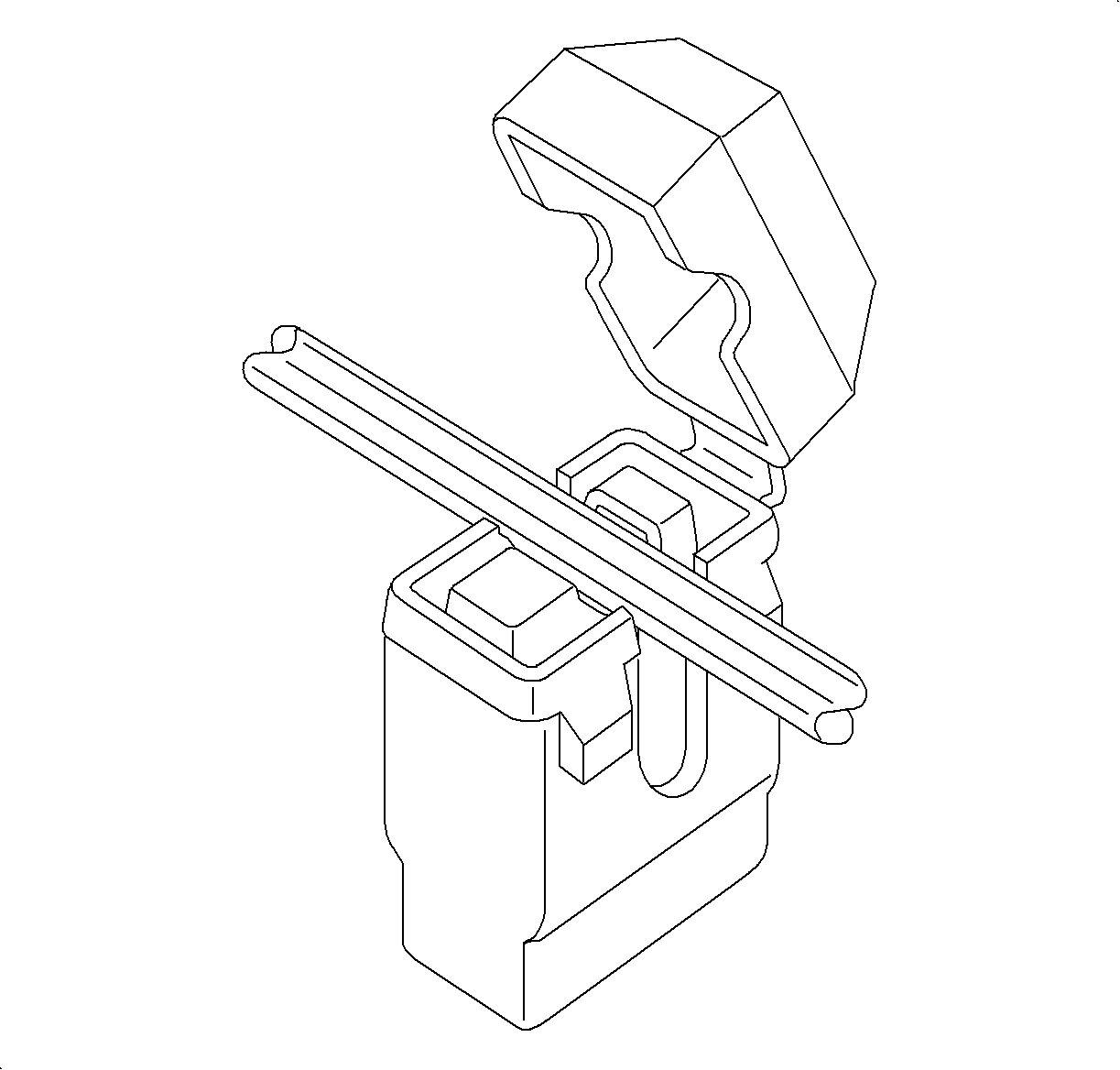
  1. Place the cable into the V-slot of the terminal.
  2. Press the cable into the V-slot by hand and initiate closing the cover.

  3. Object Number: 862323  Size: SH
    Click here for detailed picture of above image.
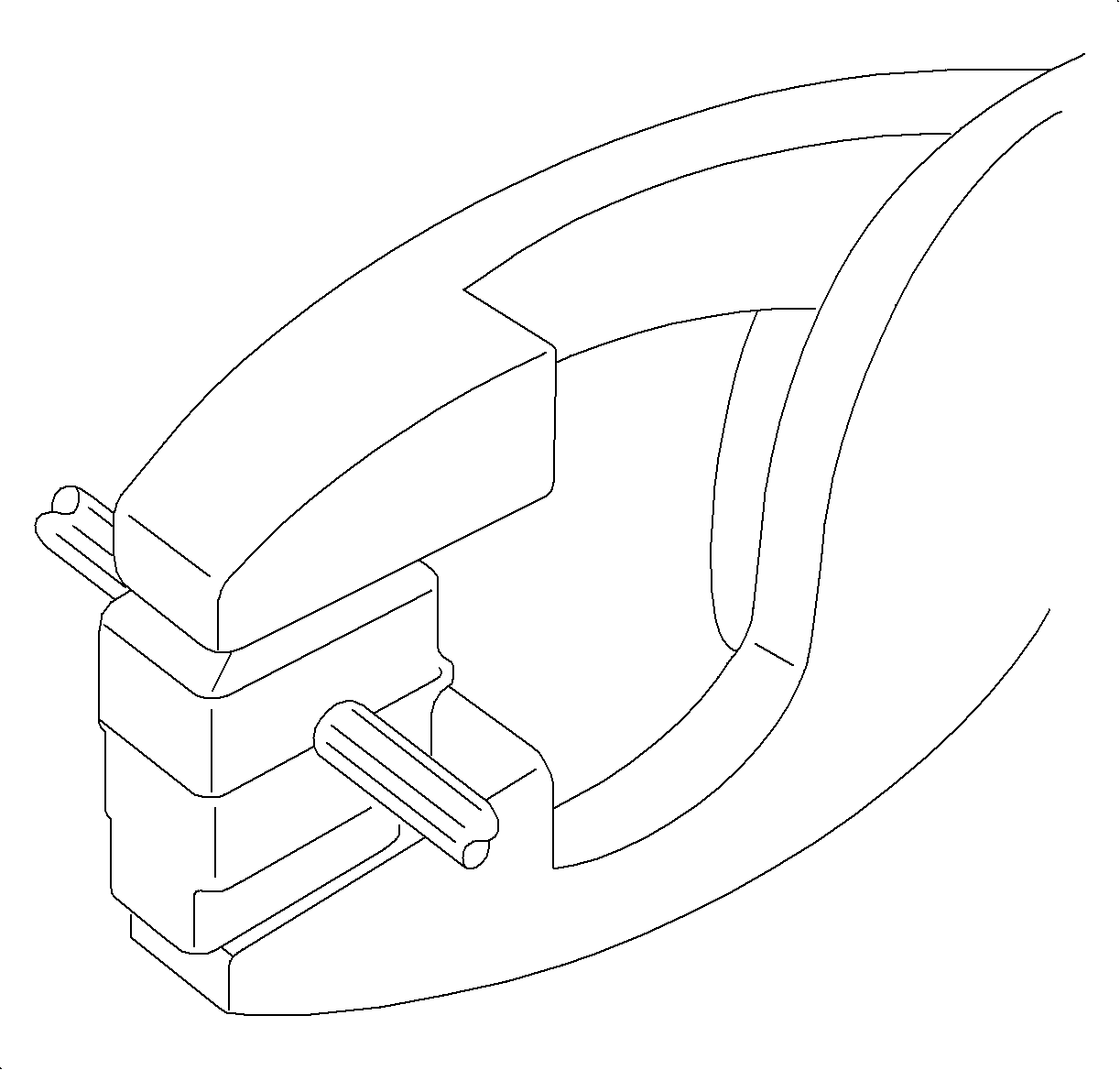
  4. Close the cover completely by pressing the cable into the diagnostic service probe terminal with pliers until the cover locks shut. A snap should be felt or heard when the cover locks.

  5. Object Number: 862333  Size: SH
    Click here for detailed picture of above image.

    Important

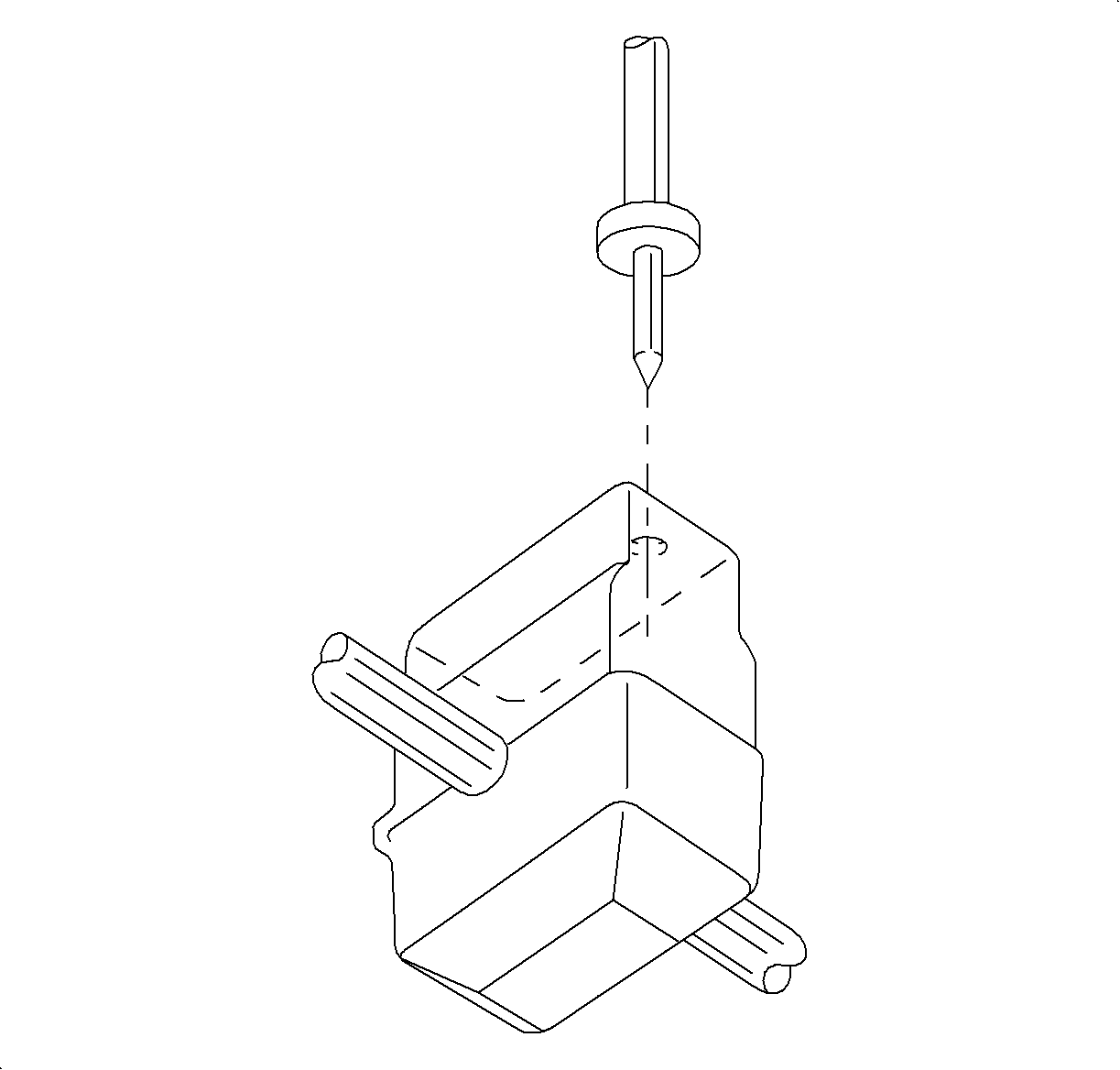
    Once the probe is installed, it should not be removed. The diagnostic service probe is designed to stay on the wire permanently. The gel material inside the probe will seal the wire and allow the wire to be probed several times.

  6. To probe the wire, insert the multimeter probe into the housing through the gel to contact the terminal. The housing has a thin wall of material to pierce with the multimeter probe. In some locations the multimeter probe should be used to pierce the probe opening, before the probe is installed on the wire.

  Document ID# 877172
1998 Saturn SL2/SC2/SW2