Document ID# 874701
1998 Saturn SL2/SC2/SW2
 

Wiper Arm Replacement 1st Design

Removal Procedure

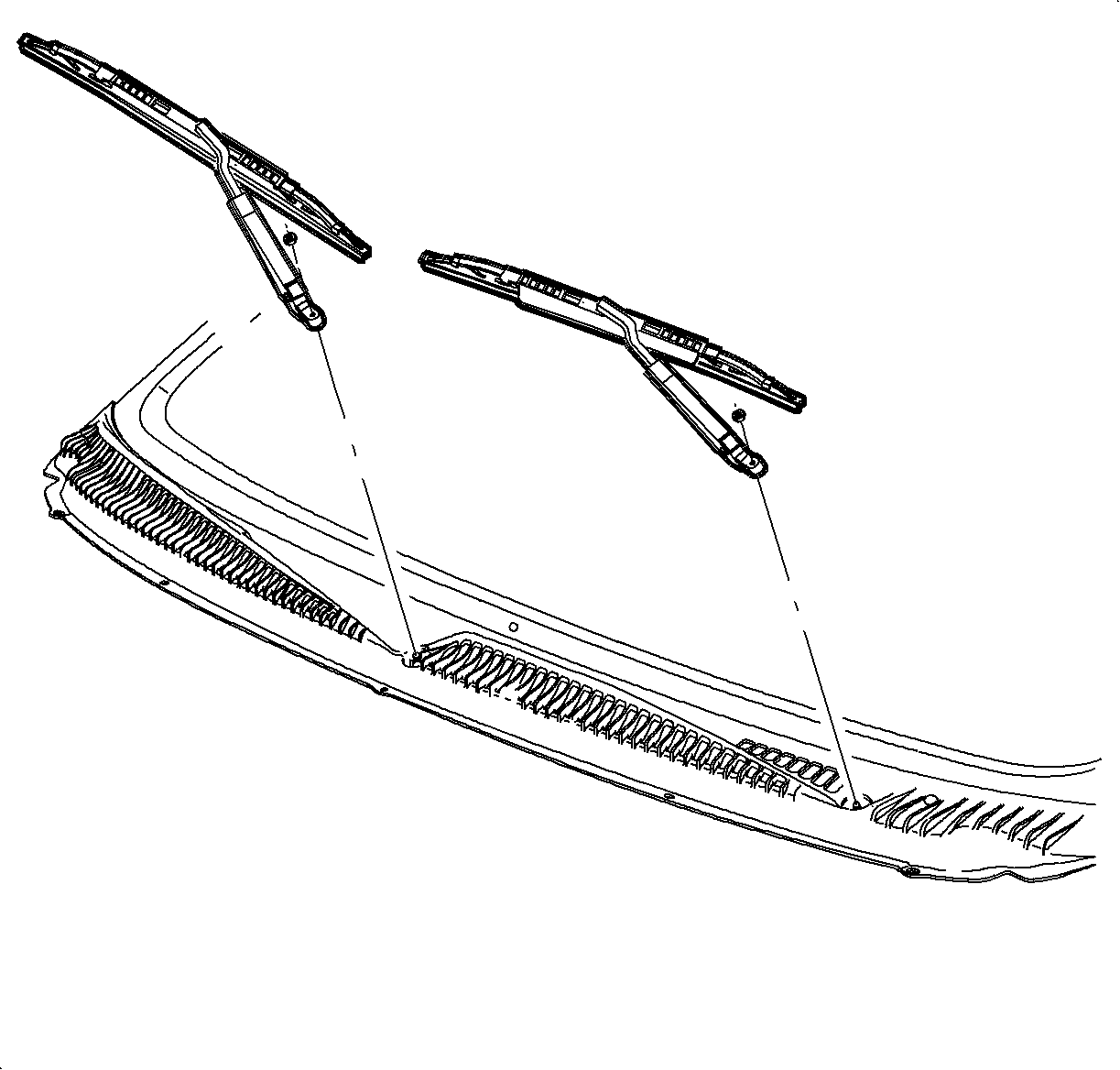
    Object Number: 867516  Size: SH
    Click here for detailed picture of above image.
  1. Remove the wiper arm finish cap by pulling upward on the cap at the pivot location.

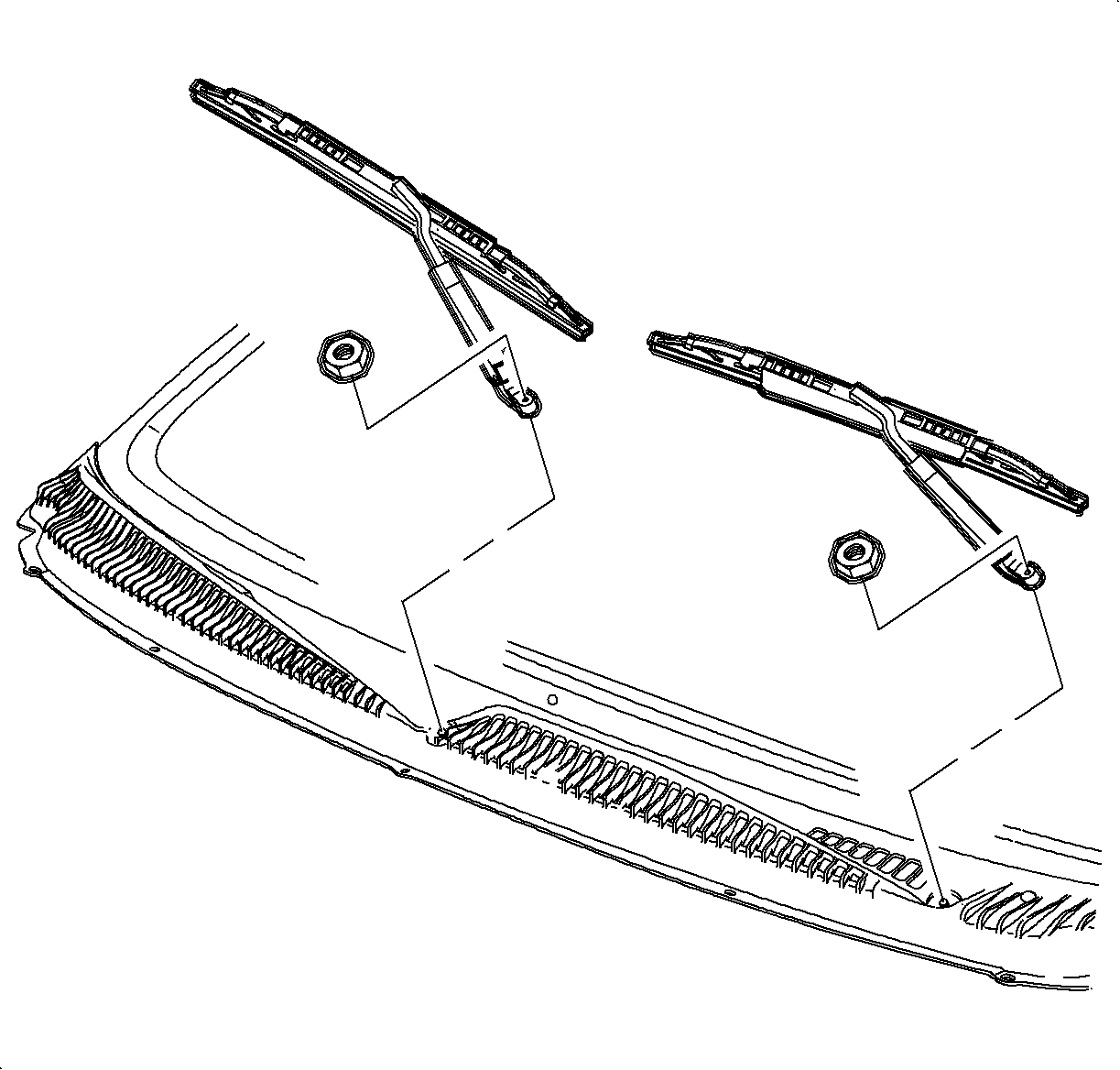
  2. Object Number: 867630  Size: SH
    Click here for detailed picture of above image.
  3. Remove the wiper arm fastener.
  4. Lift the wiper arm assembly away from the windshield and remove the wiper arm from the pivot shaft.
Installation Procedure

    Object Number: 867634  Size: SH
    Click here for detailed picture of above image.
  1. On the drivers side, position the wiper blade assembly between the locator dot in the blocked out area of the windshield and the bottom of the dot matrix in the windshield.
  2. On the passengers side, position the wiper blade assembly at the locating line in the windshield.
  3. Notice

    Refer to Fastener Notice in Cautions and Notices.

    Important

    Use new nuts. Torque retention of the old nuts may not be sufficient.

  4. Install the fastener.
  5. Tighten

    Tighten the wiper arm retaining nuts to 30 N·m (22 lb ft).
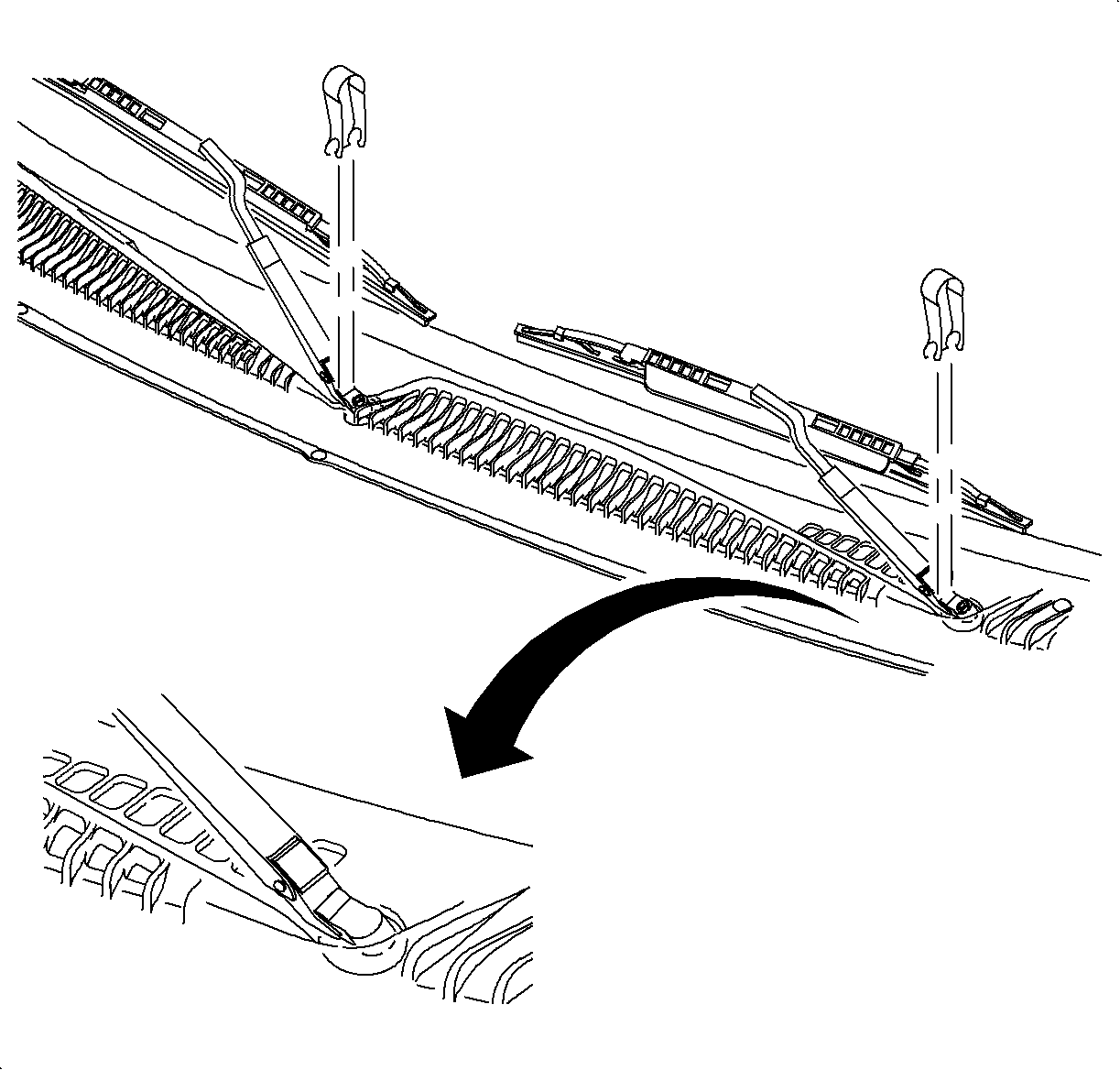

    Object Number: 867516  Size: SH
    Click here for detailed picture of above image.
  6. Install the wiper arm finish cap.

  Document ID# 874701
1998 Saturn SL2/SC2/SW2