Document ID# 883149
1998 Saturn SL2/SC2/SW2
Power Window/Power Mirror Switch Replacement
Removal Procedure
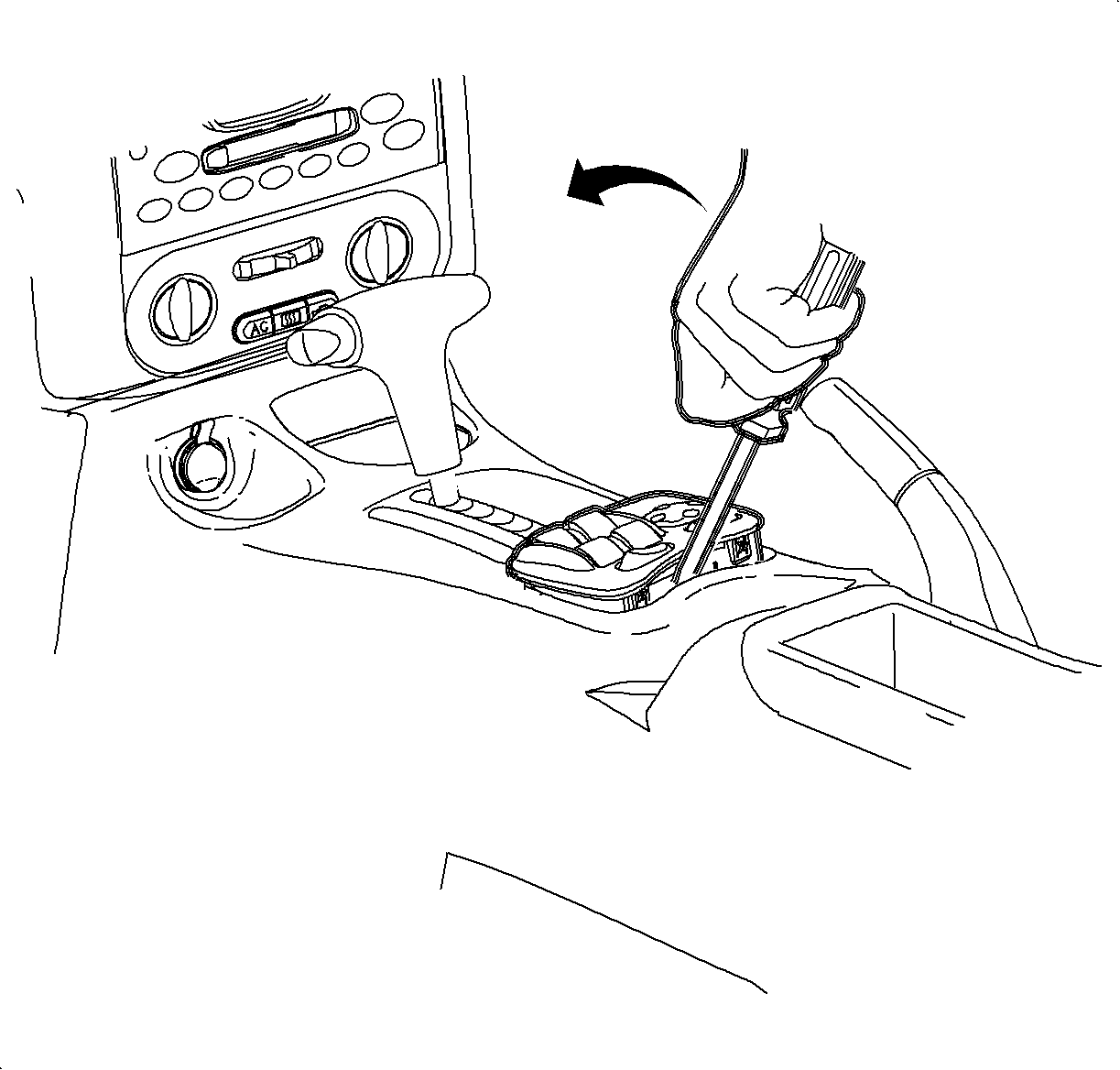
Exert pressure on the rear of the power window/mirror switch with hand.
Using a small flat bladed screwdriver, carefully lift the switch at the rear retainer assembly tabs.
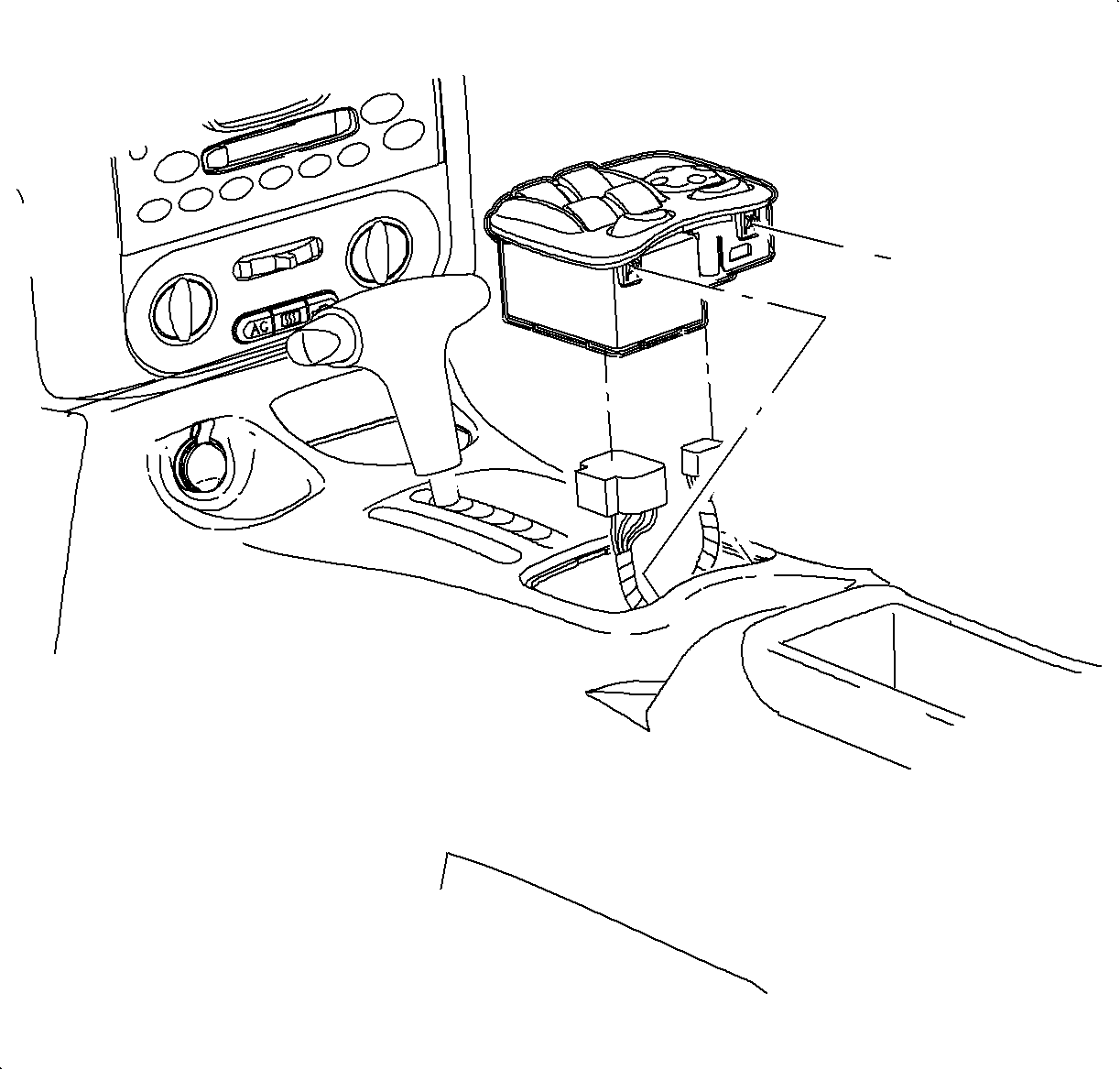
Lift the switch from console.
Disconnect the electrical connectors by locating the retention tabs and disengaging the connectors.
Installation Procedure
Connect the power window/mirror switch assembly electrical connectors.
Install the power window/mirror switch assembly.
Check the operation of all the switches.
Document ID# 883149
1998 Saturn SL2/SC2/SW2