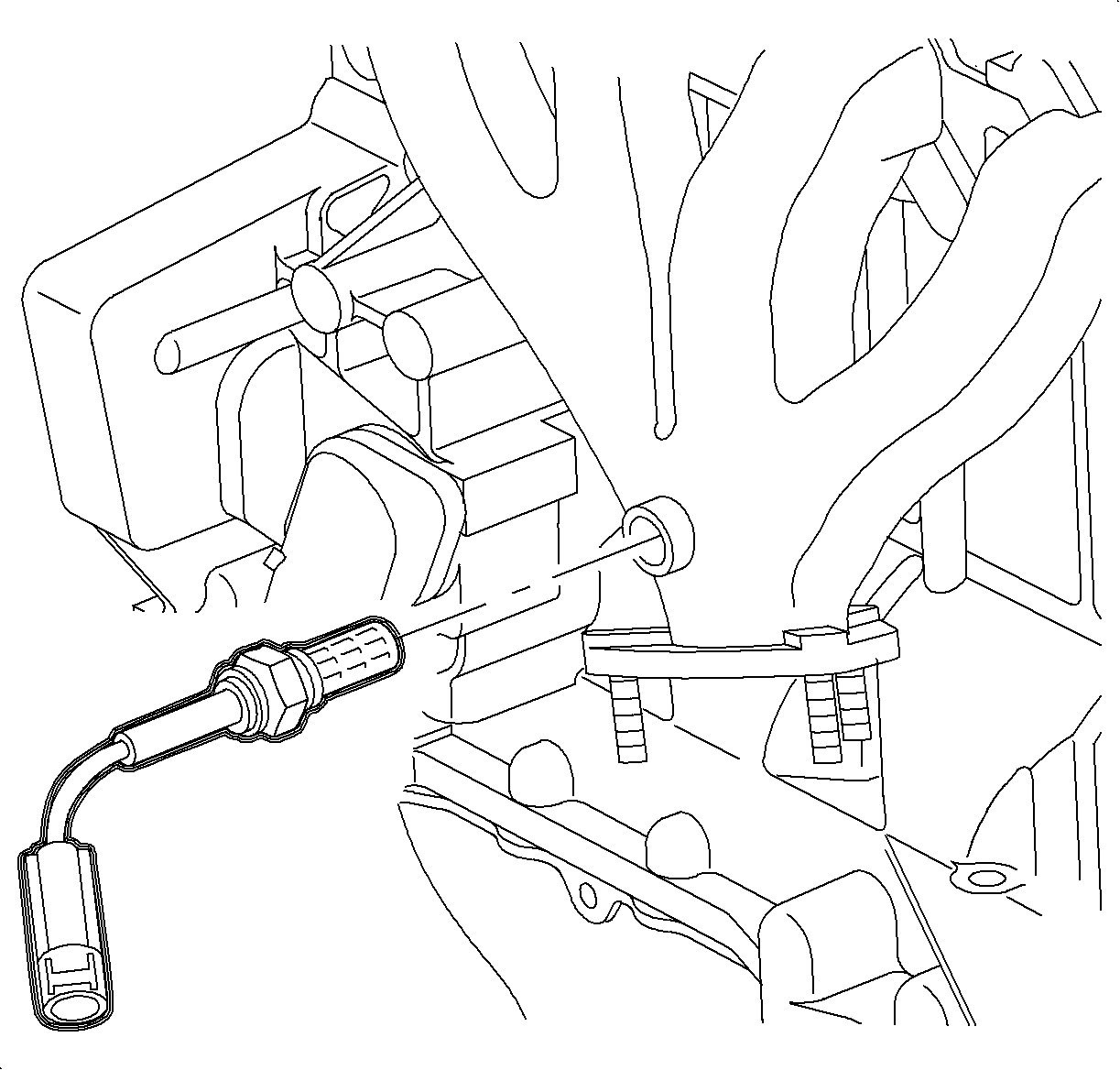
The O2S-1 uses a permanently attached pigtail and connector. This pigtail should
not be removed from the O2S-1. Damage or removal of the pigtail or connector could
affect proper operation of the O2S-1.
Turn the ignition OFF.
Disconnect the O2S-1 harness connector.
Use a liquid penetrate before removing the sensor.
Important
Do not allow penetrating oils to contact the upper, air reference, portion of
the sensor. This is the area between the hex and lead wires.
Caution
Removal of the sensor is easier if the exhaust system is warmed up slightly.
Be careful that it is not too hot to work on safely. Applying penetrating oil to
the threads while moving the sensor back and forth will also aid in removal and will
decrease the chance of exhaust pipe thread damage.
Silicone products will damage the O2S-1. Use only nickel based anti-seize compound
that does not contain silicone.
Install the O2S-1 in the exhaust manifold.
Tighten
Tighten the oxygen sensor to 45 N·m (33 lb ft).
Important
The attached pigtail and connector and the louvered end must be kept free of
dirt, grease or other contaminants. Avoid using cleaning solvents of any type.
Connect the O2S-1 harness connector. Push in the connector until a click is
heard and pull back to confirm a positive engagement.