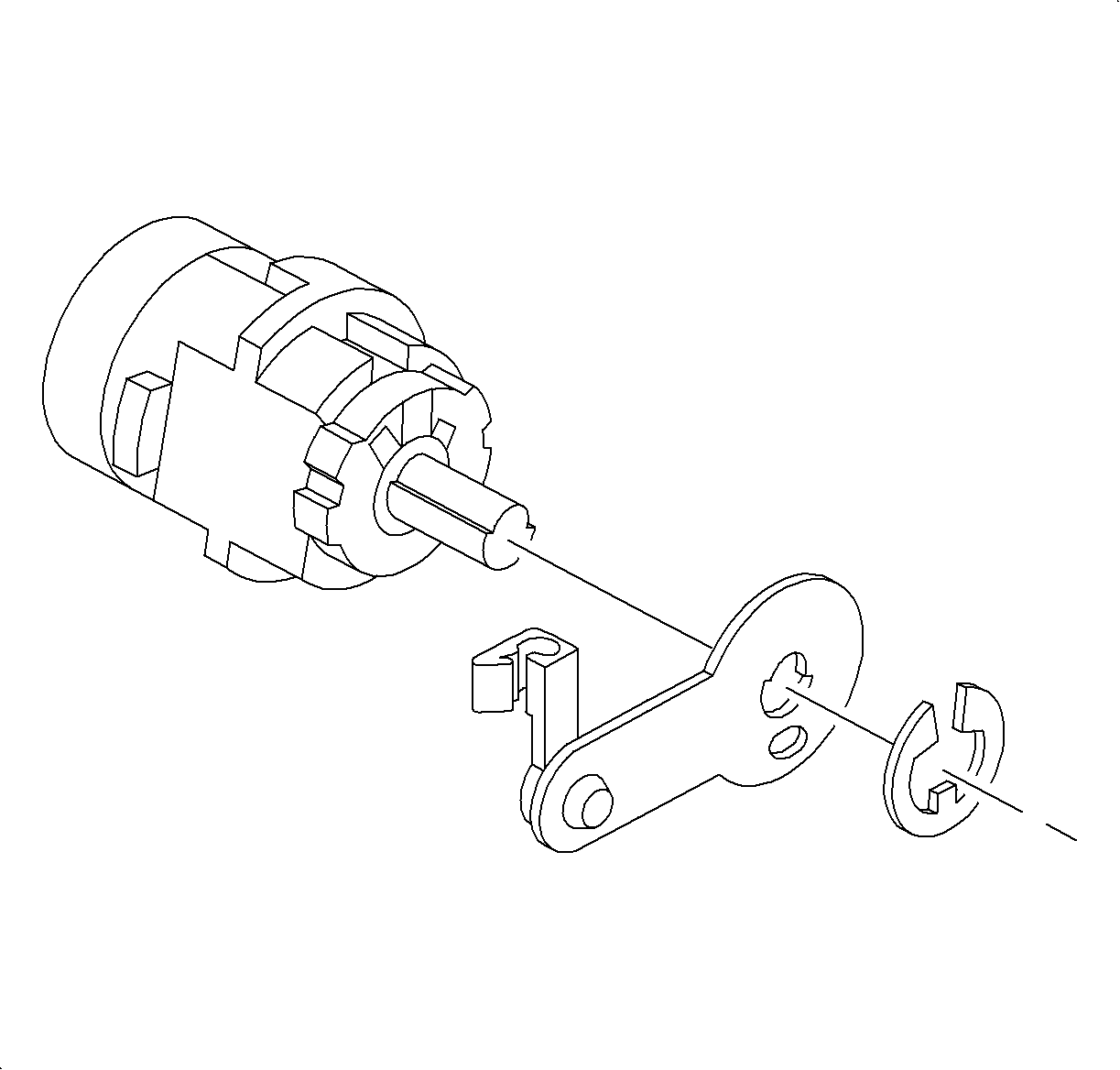

- Remove the E-clip at the rear of the lock cylinder and remove the pawl.
- Unhook the return spring from the case and slide the spring from the cylinder.
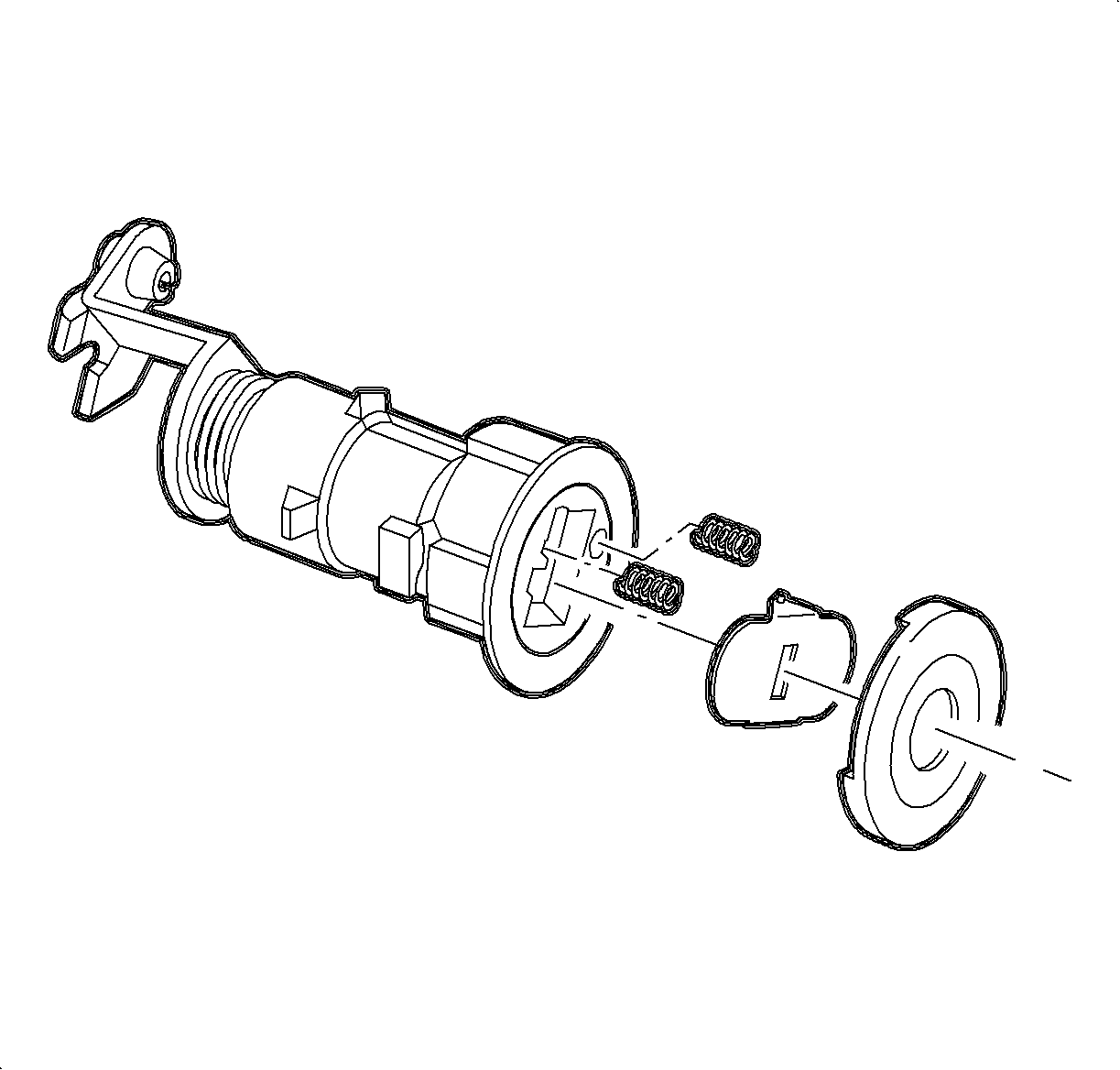
- Remove the cap from the lock cylinder by inserting a thin blade screwdriver
between the cap and the case and carefully prying the cap from the case.
Important
When the shutter is removed, the shutter springs may fall out.
- Remove the shutter.
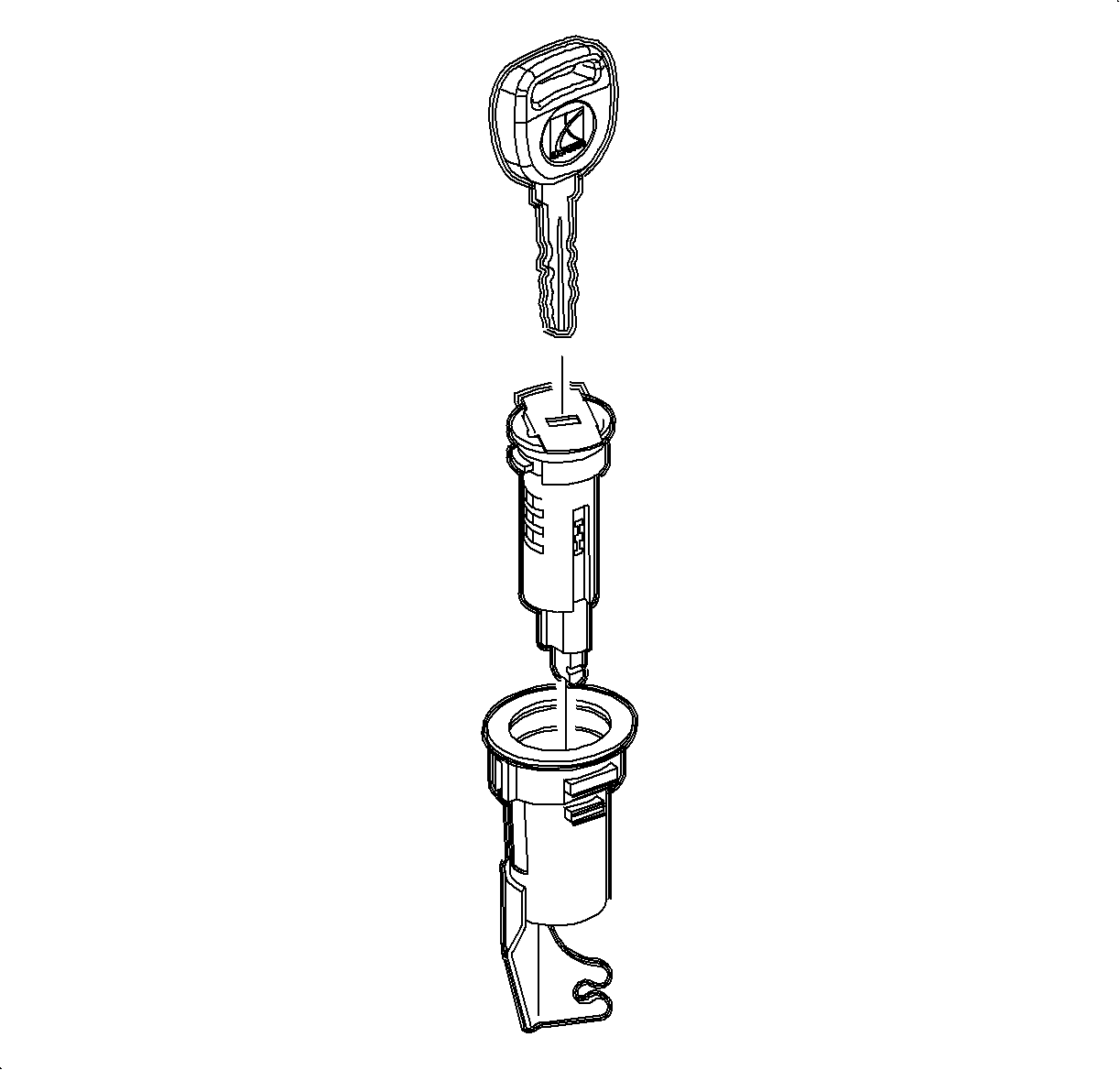
- Insert the key and rotate a ¼ turn clockwise. Slide the cylinder
from the housing.
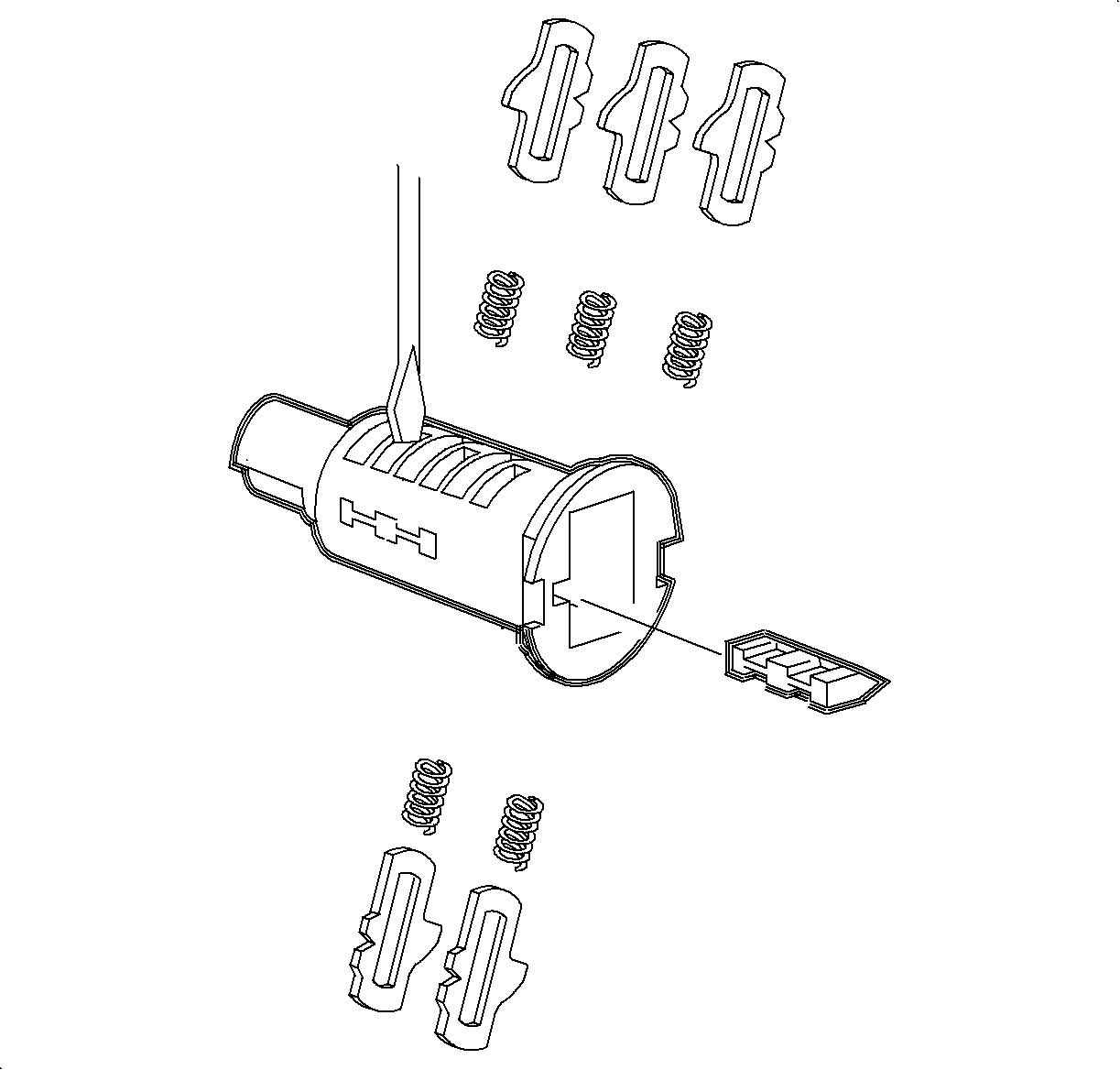
- Push the tumblers out of the lock cylinders using a thin bladed screwdriver.
- If necessary, remove the sidebar assembly by pushing it inward while tapping
the cylinder, causing it to fall out.
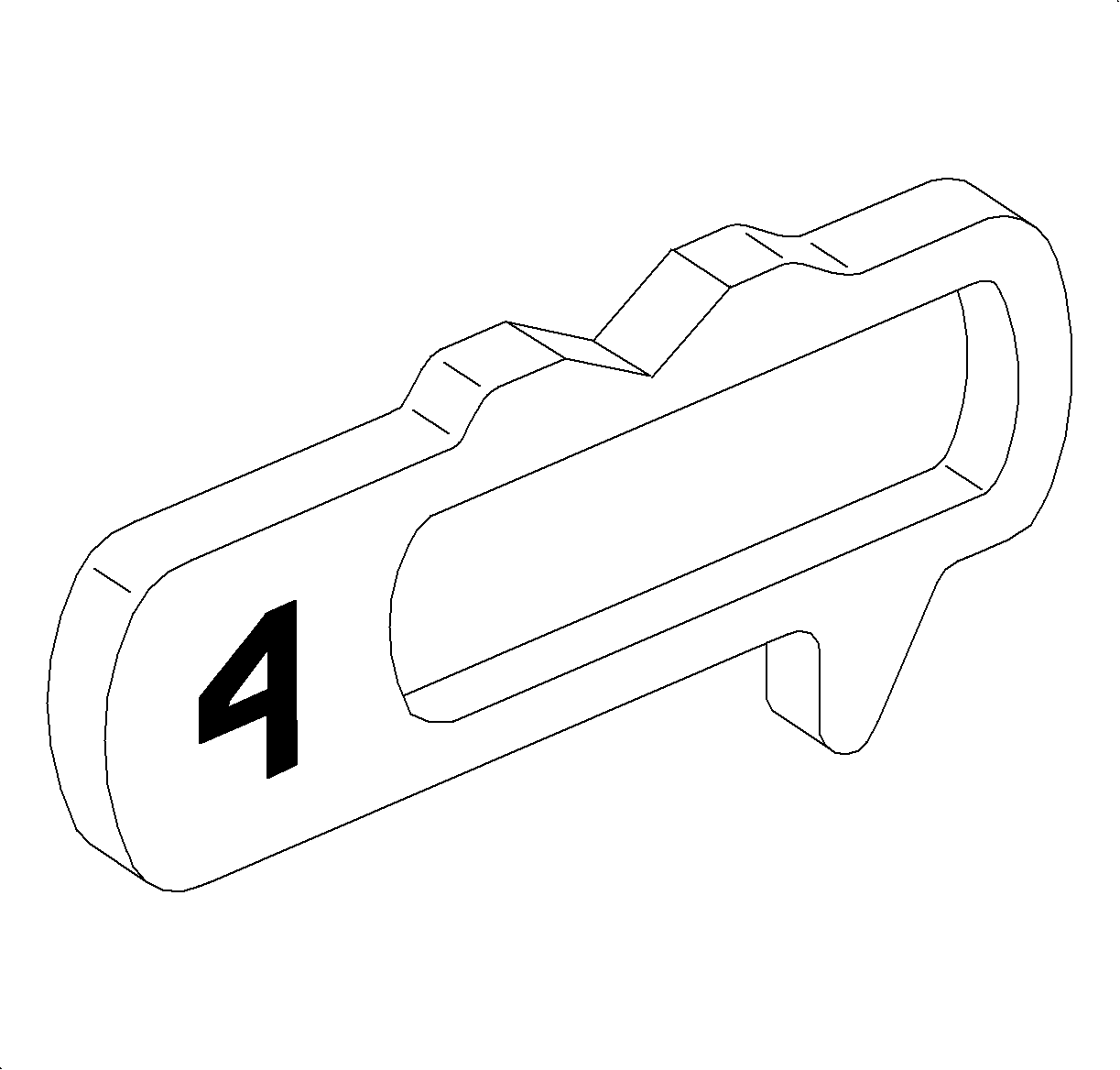
- Select the correct
tumblers for the desired code by the number stamped on the tumbler.
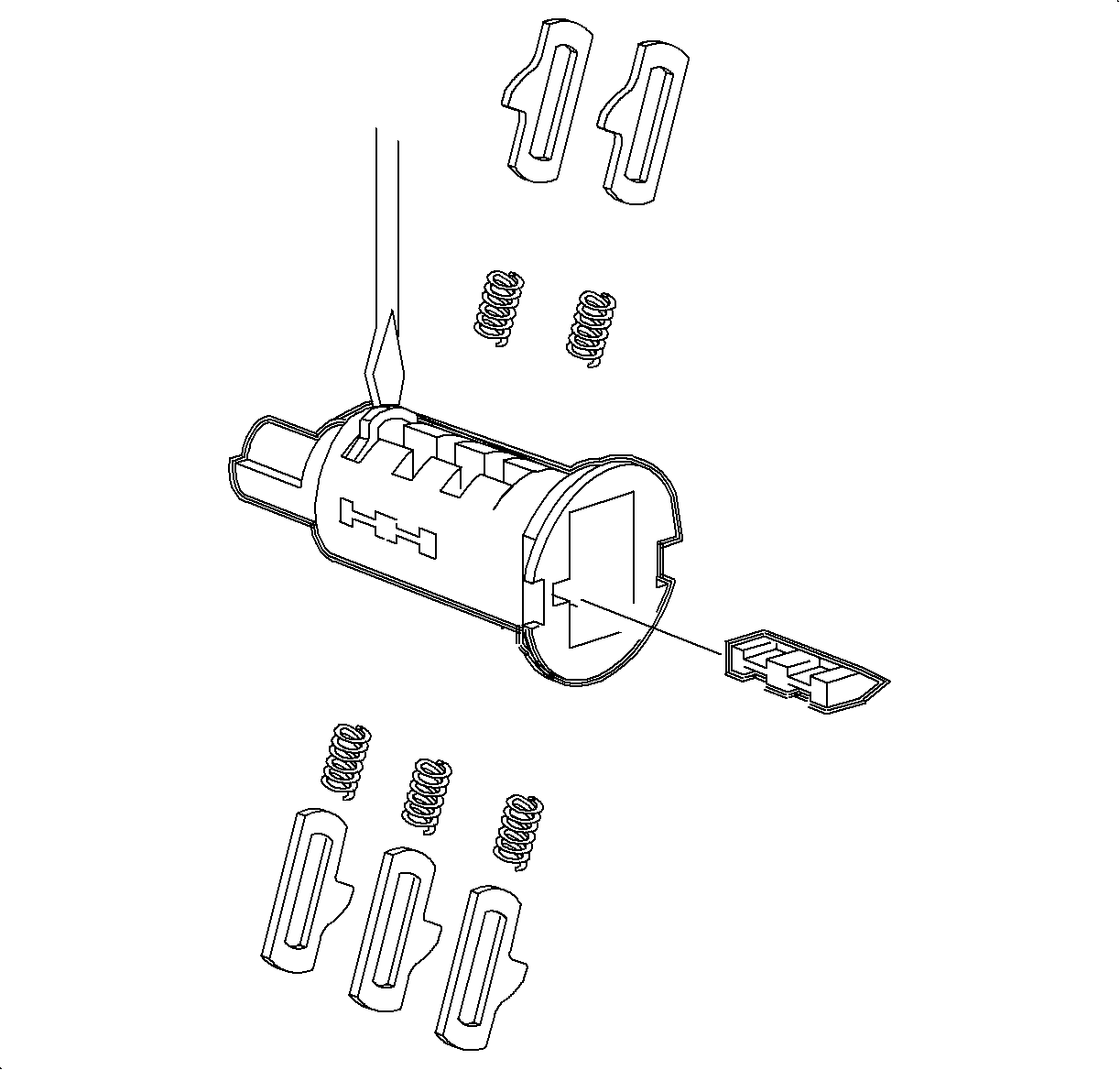
Important
Ensure that the sidebar and tumbler springs are in place before
installing the tumblers.
- Install the tumblers by applying downward pressure until they lock into place.
- For assembly, oil the lock set with a light oil or graphite lubricant
and reverse Steps 1-5.