Document ID# 869620
1998 Saturn SL2/SC2/SW2
Stop Lamp Switch Replacement
Removal Procedure
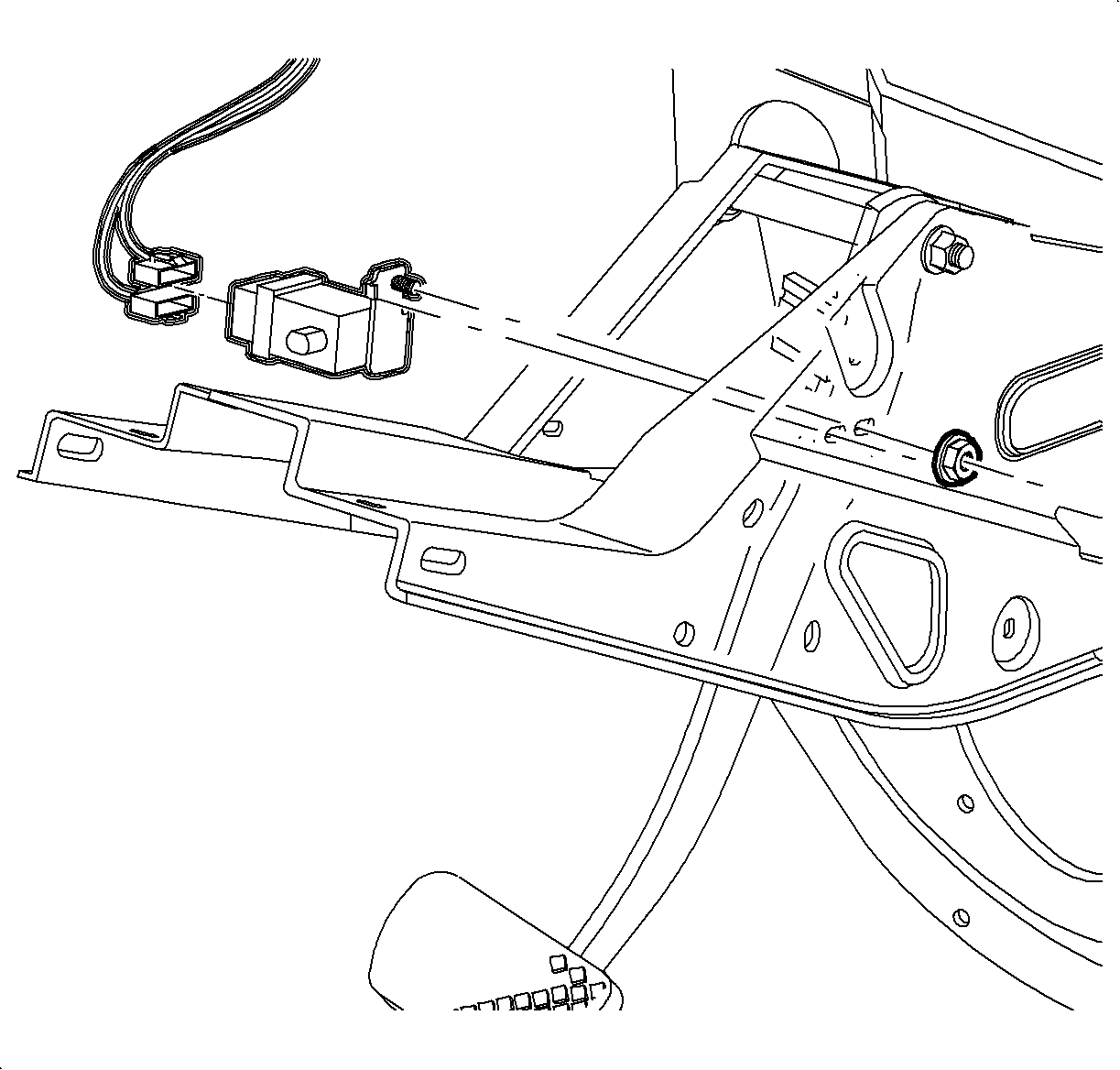
Disconnect the stop lamp switch electrical connectors.
Remove the attachment nut and remove the switch.
Installation Procedure
Install the stop lamp switch tab and stud through the steering column support.
Install and tighten the nut.
Tighten
Tighten the nut to 10 N·m (89 lb in).
Connect the electrical connectors.
Inspect the switch. Refer to
Stop Lamp Switch Adjustment
.
Document ID# 869620
1998 Saturn SL2/SC2/SW2