Document ID# 877457
1998 Saturn SL2/SC2/SW2
 

Trim Finish Molding Replacement - Body Lock Pillar Lower Sedan/Wagon

Removal Procedure

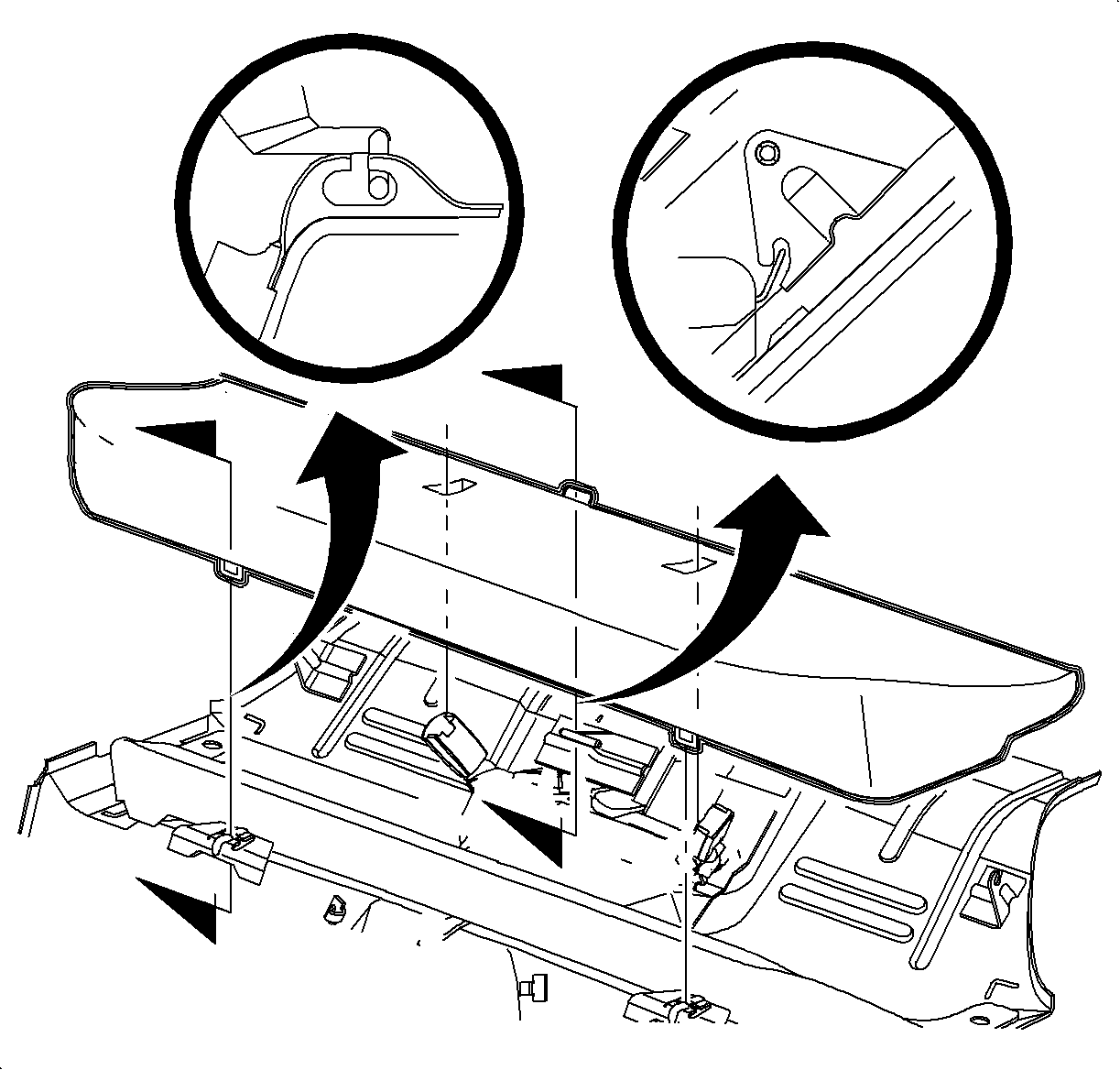
    Object Number: 867263  Size: SH
    Click here for detailed picture of above image.
  1. Remove the rear seat cushion. Refer to Seat Cushion Replacement - Rear in Seats.
  2. Remove the rear seat carpet retainer molding.
  3. Lower the rear seat back.
  4. Remove the body lock trim finish molding by pulling firmly, starting at the bottom of the molding to disengage the clips.
  5. Slide the molding out from under the body lock pillar upper trim finish molding and the weatherstrip.
Installation Procedure

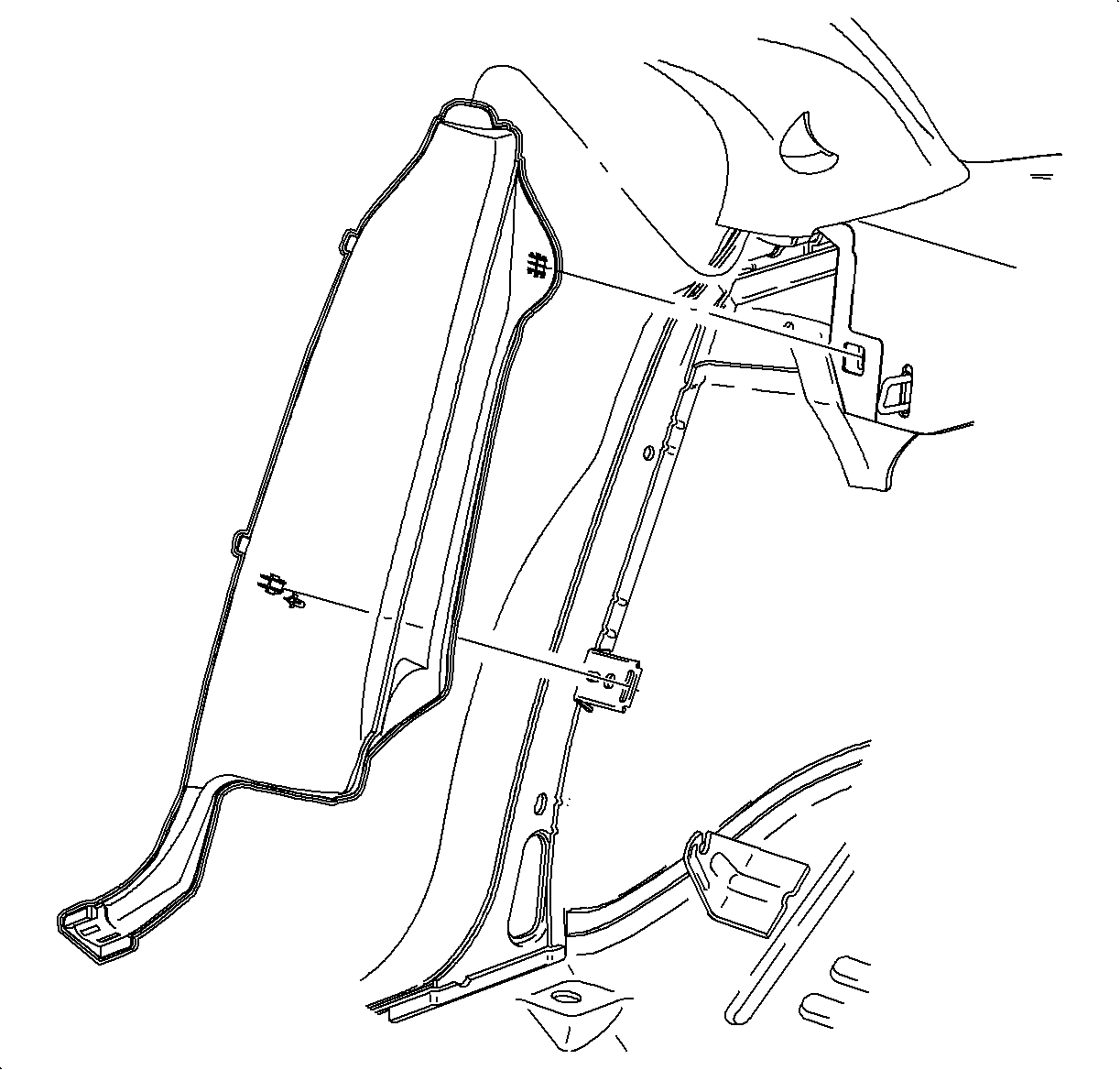
    Object Number: 867917  Size: SH
    Click here for detailed picture of above image.
  1. Slide the body lock trim finish molding upper tab into the body lock pillar upper trim finish molding.
  2. Line up the attaching clips and firmly snap the body lock trim finish molding into place.
  3. Important

    The outboard tabs of the body lock pillar trim finish molding must be positioned under the weatherstrip after installation.
  4. Install the rear seat carpet retainer molding.
  5. Raise the rear seat back assembly.
  6. Install the rear seat cushion. Refer to Seat Cushion Replacement - Rear in Seats.

  Document ID# 877457
1998 Saturn SL2/SC2/SW2