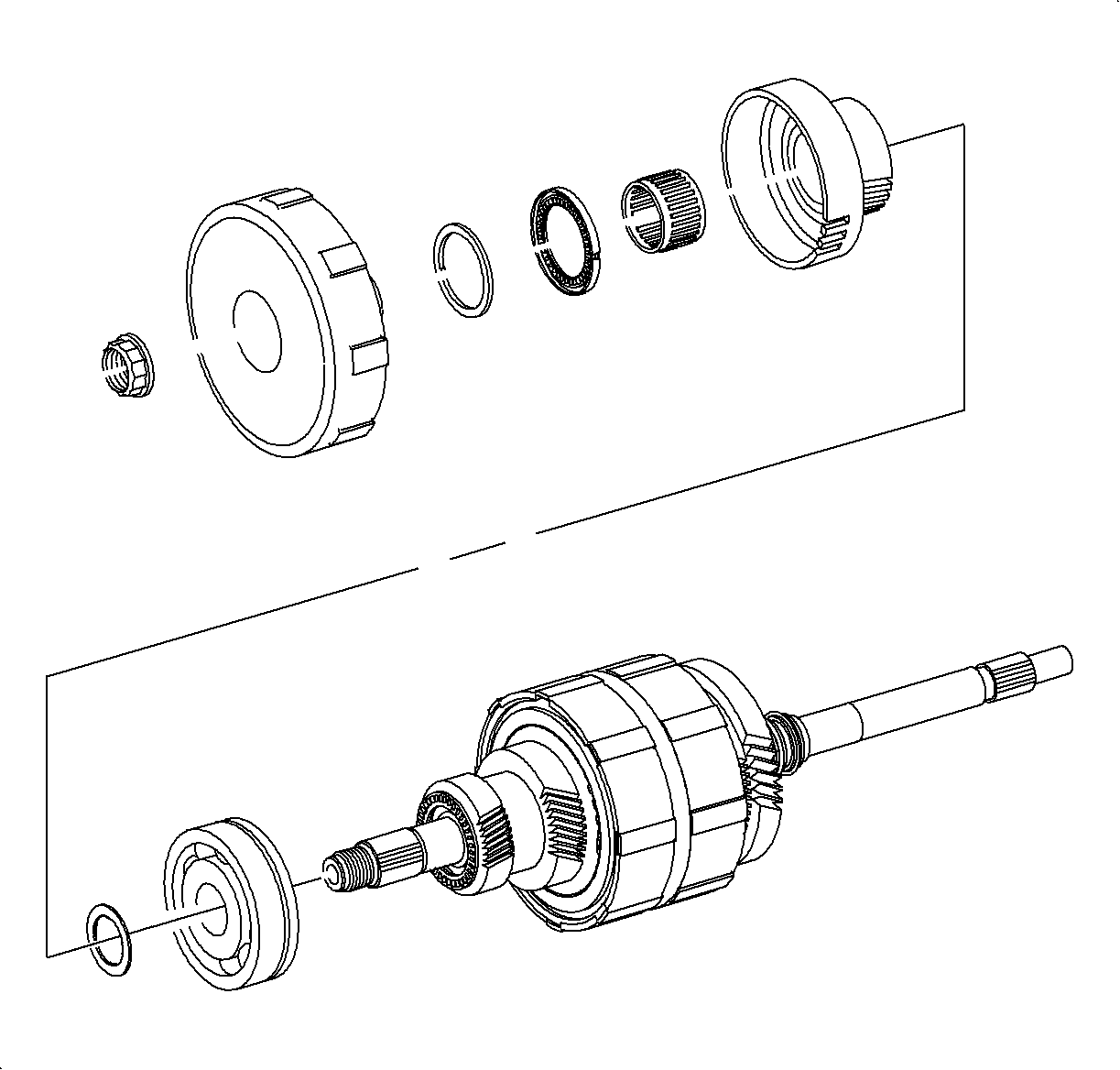

- Remove the input shaft bearing form the case. Refer to
Transaxle Case Disassemble
.
- Install the case bearing on the shaft.
- Install the 1st drive gear to the case bearing thrust washer.
- Install the first gear into the 1st gear clutch assembly. Twist the gear
to align the clutch tangs.
- Install the 1st clutch assembly previously assembled.
Important
To aid in holding the input shaft, use the
SA9119T
in a vise.
- Use the old nut and tighten.
TightenTighten the input shaft clamp nut to 150 N·m (111 lb ft).
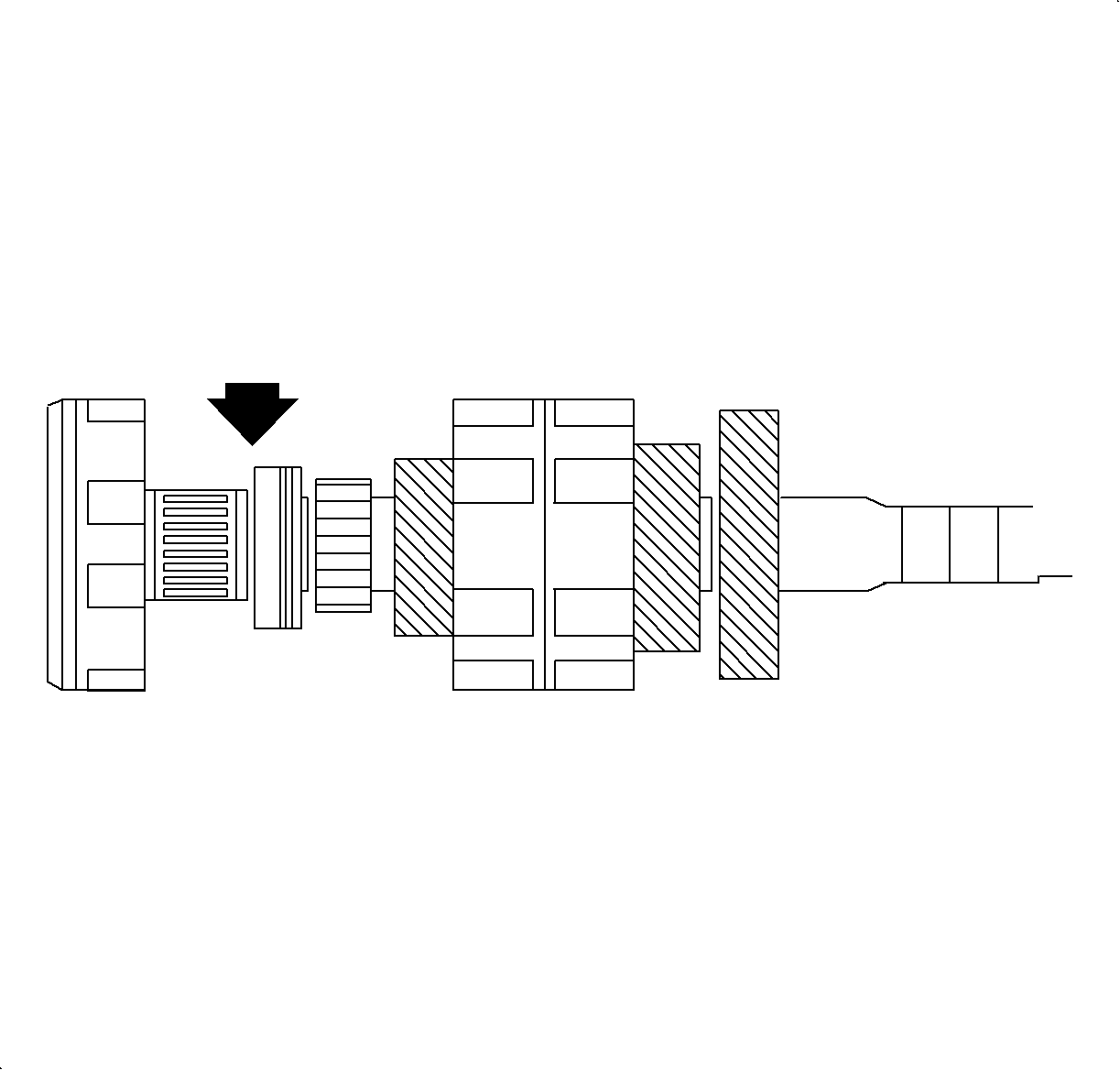
- Use the feeler gage to measure the clearance between the 1st drive gear and
the input shaft bearing.
ClearanceStandard 0.075-0.425 mm (0.003-0.017 in)
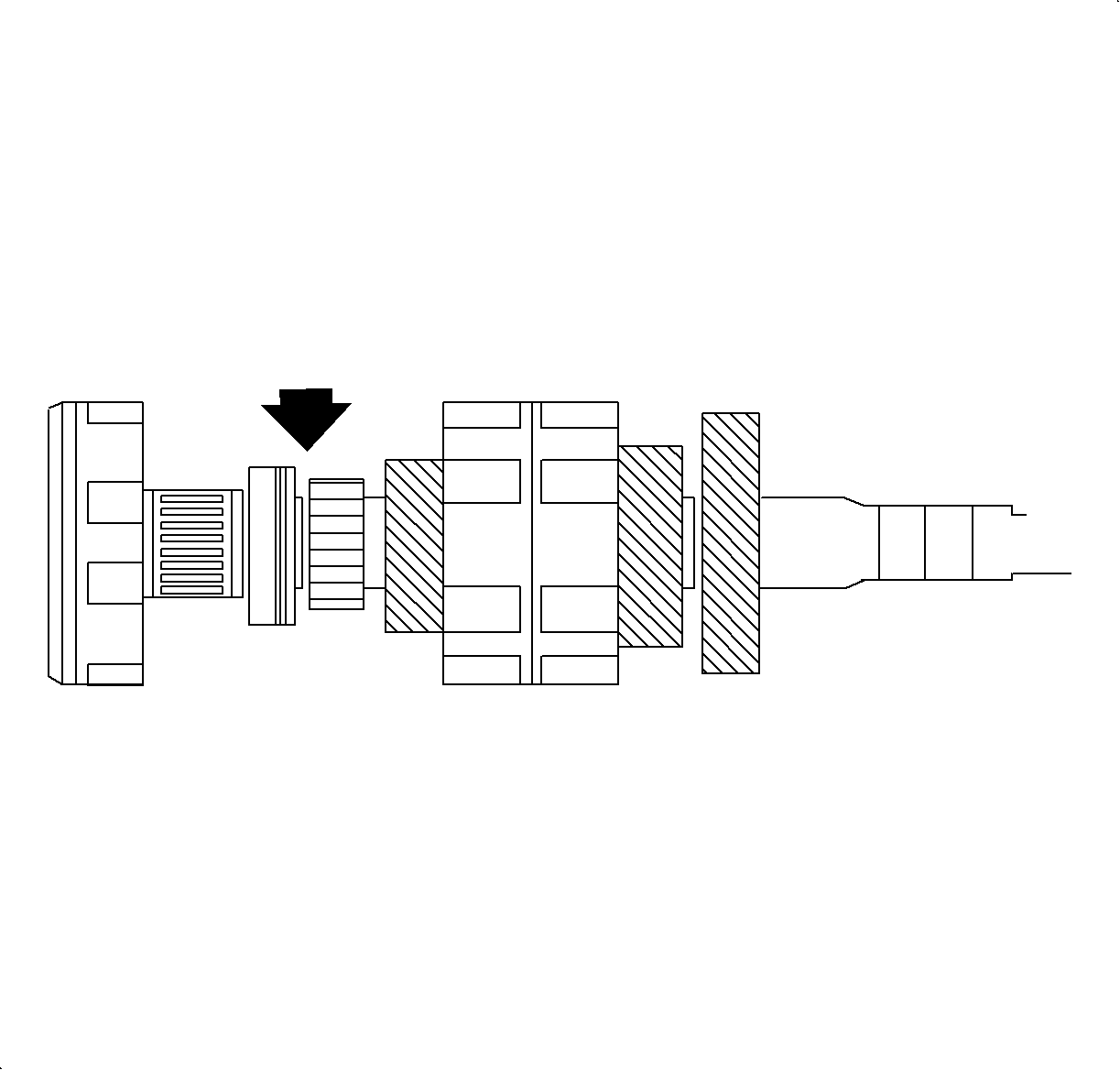
- Measure the clearance between the 2nd/Reverse drive gear and the 2nd/Reverse
thrust bearing.
ClearanceStandard 0.032-0.144 mm (0.001-0.006 in)
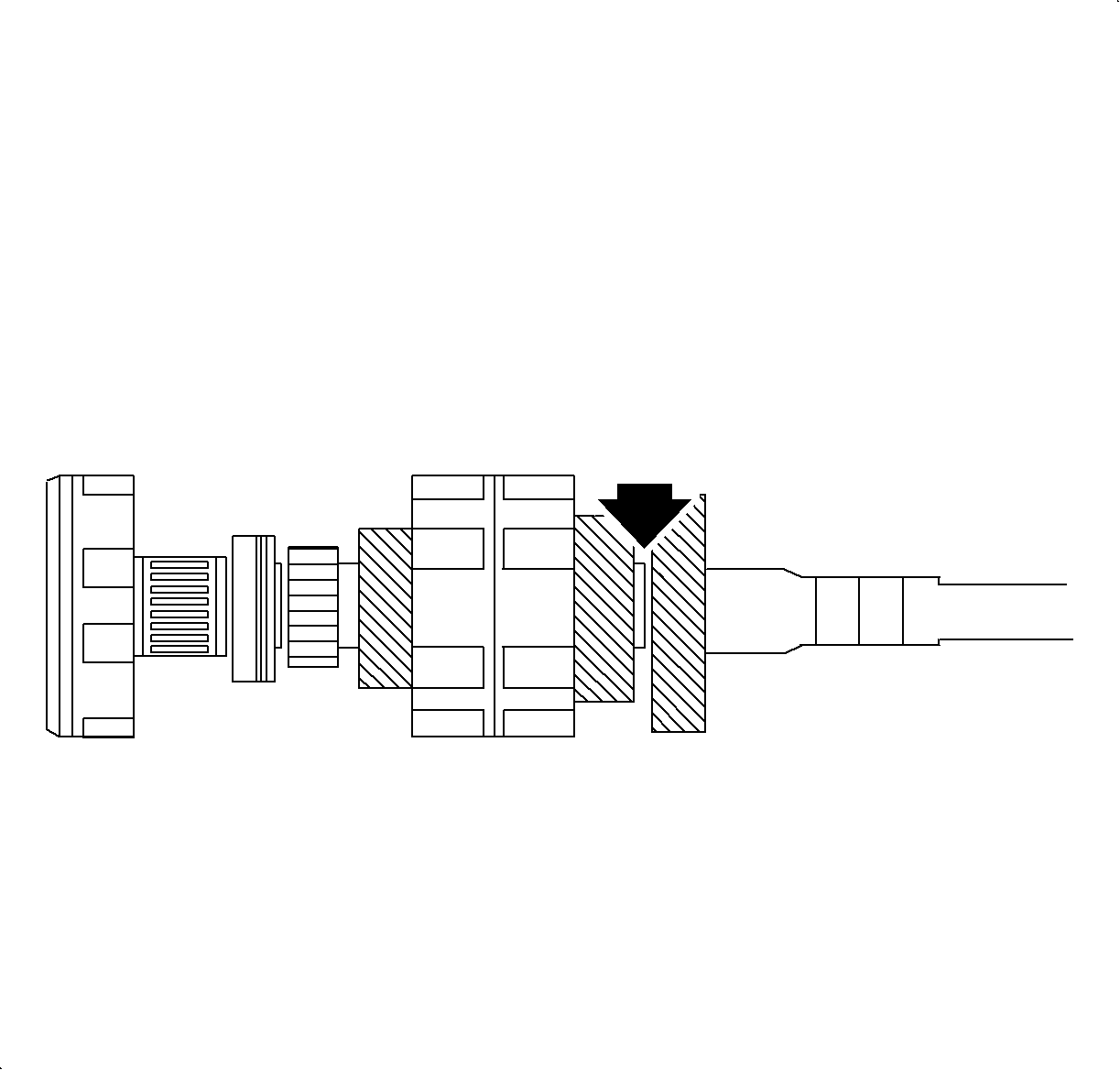
- Measure the clearance between the 4th drive gear and the 3/4 drive gear thrust
bearing.
ClearanceStandard 0.057-0.219 mm (0.002-0.009 in)
- Remove the input shaft clamp nut, 1st clutch assembly, thrust washer and input
shaft ball bearing.