Document ID# 1229821
1998 Saturn SL2/SC2/SW2
Compartment Replacement - Instrument Panel (I/P)
Removal Procedure
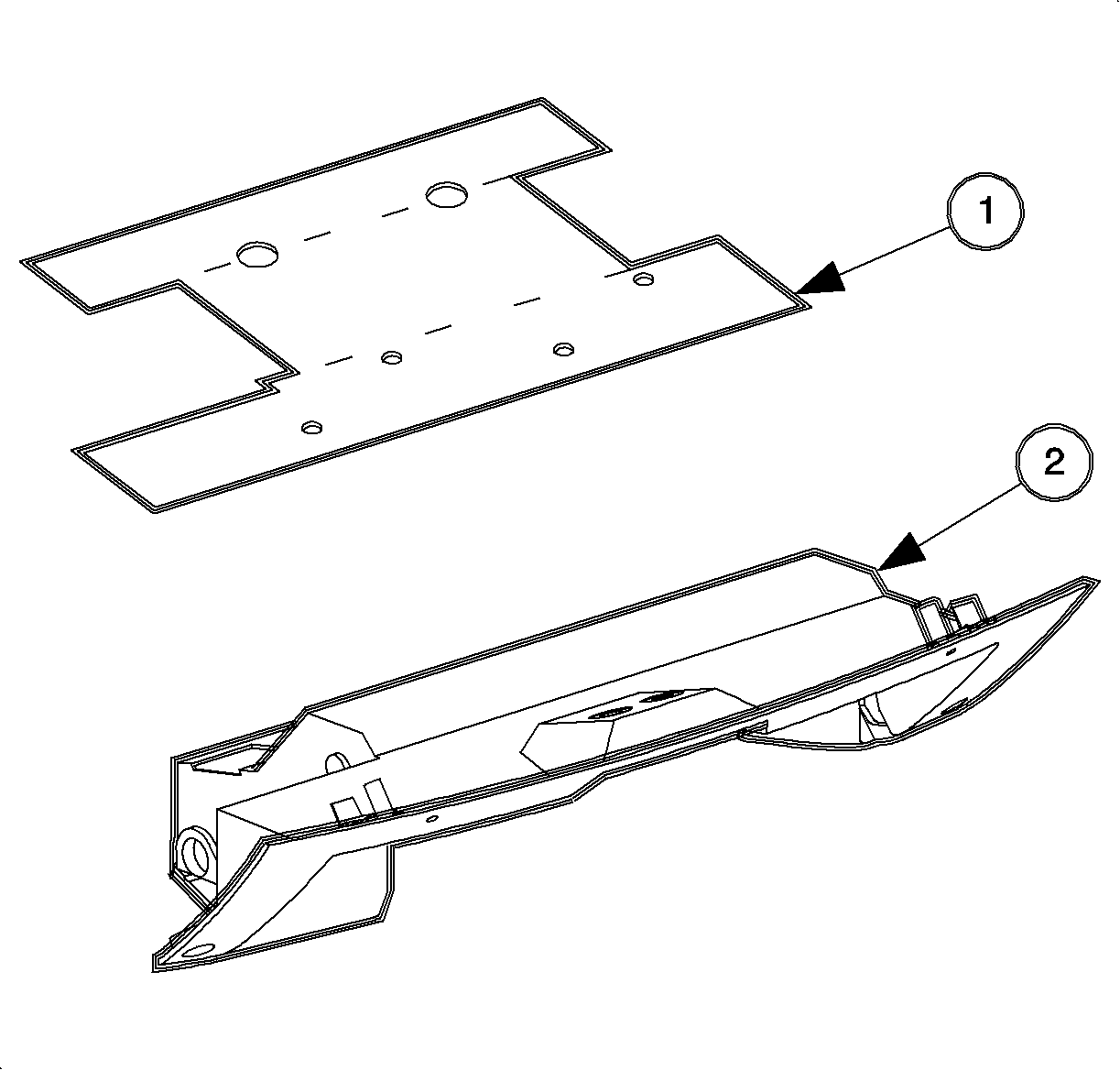
Remove the I/P compartment door stops and let the door hang down.
Remove the screws from the I/P compartment and the striker.
Remove the I/P assembly by pulling rearward a the clip locations.
Disassembly Procedure
Remove the screws and the I/P compartment door latch.
Remove the hinge pins and the bushings.
Assembly Procedure
Install the I/P compartment door latch.
Install and tighten the screws.
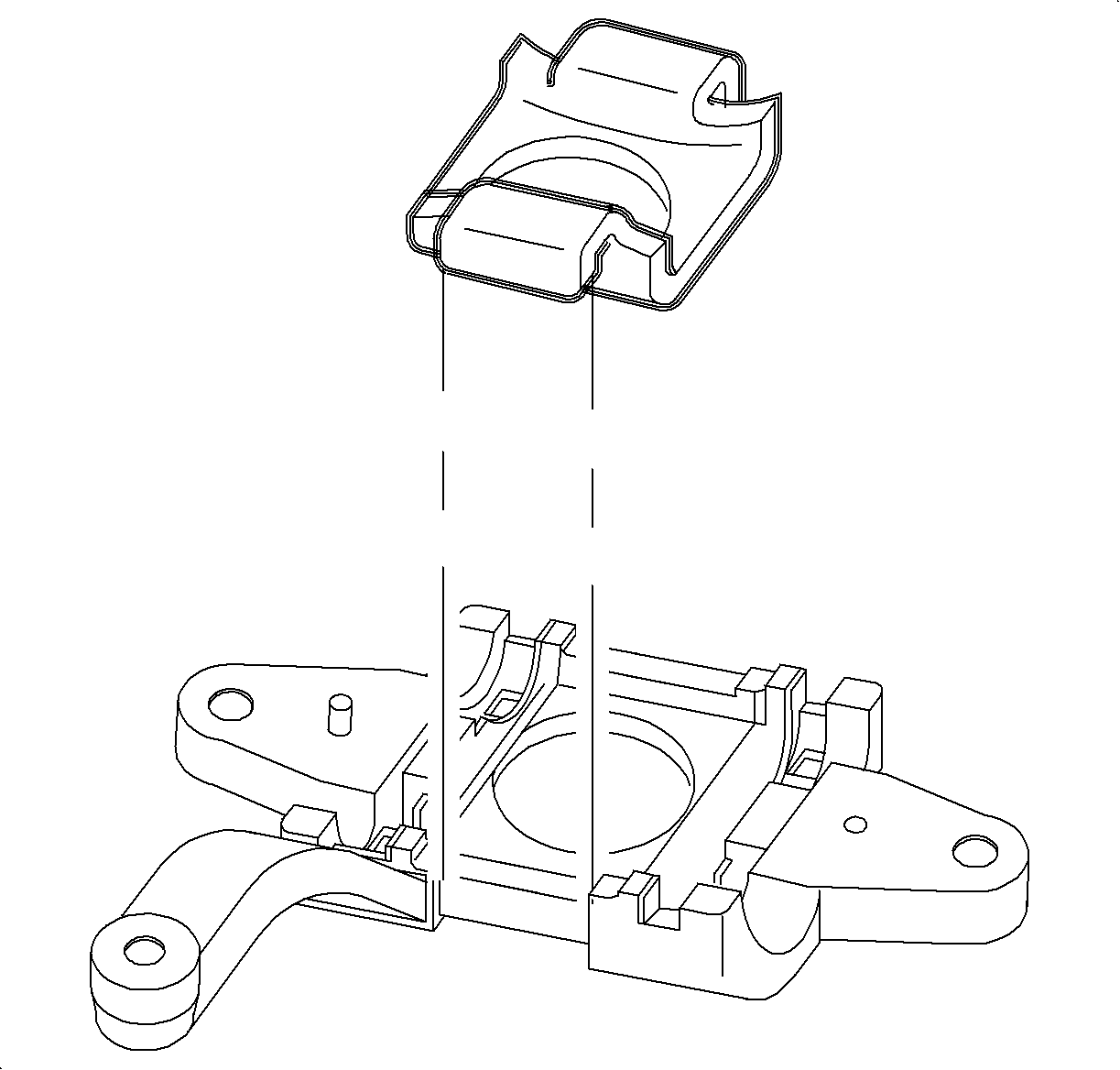
Install the hinge bushings to the I/P compartment door.
Install the hinge pins through the I/P compartment door and the housing.
Installation Procedure
Install the I/P compartment and snap in at the clip locations.
Notice
Refer to
Fastener Notice
in Cautions and Notices.
Install and torque the screws.
Tighten
Tighten the screws to 3 N·m (27 lb in).
Install I/P compartment door stops.
Adjust the striker as necessary.
Document ID# 1229821
1998 Saturn SL2/SC2/SW2