Document ID# 874768
1998 Saturn SL2/SC2/SW2
 

Wiper Blade Element Replacement 1st Design

Removal Procedure

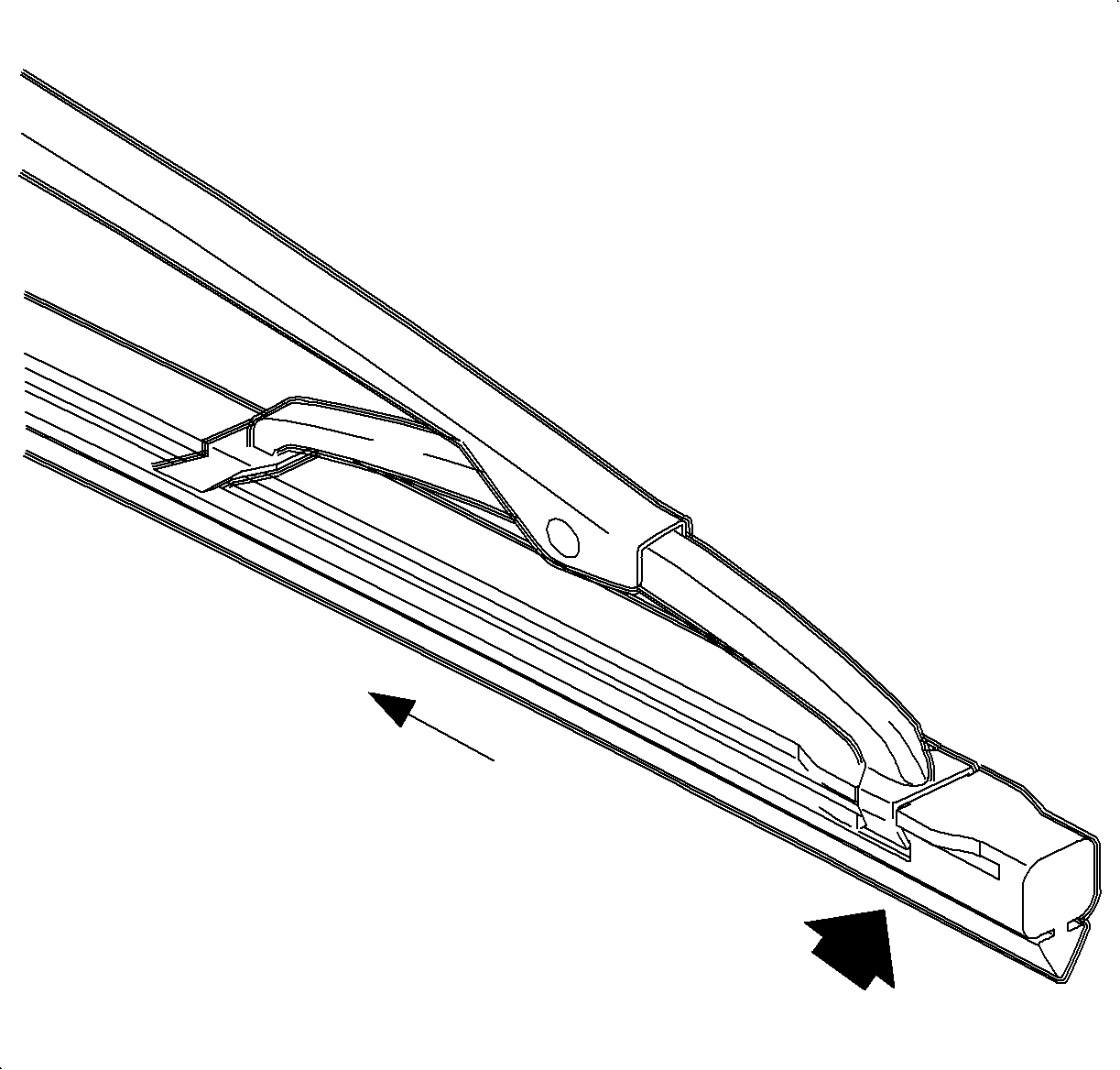
Object Number: 863871  Size: SH
Click here for detailed picture of above image.

Important

The right and left wiper blades are different lengths. Ensure that the longer blade is installed into the left-hand side.

Remove the existing wiper blade insert by pulling on the insert at the base of the wiper blade assembly until the insert is fully removed.
Installation Procedure

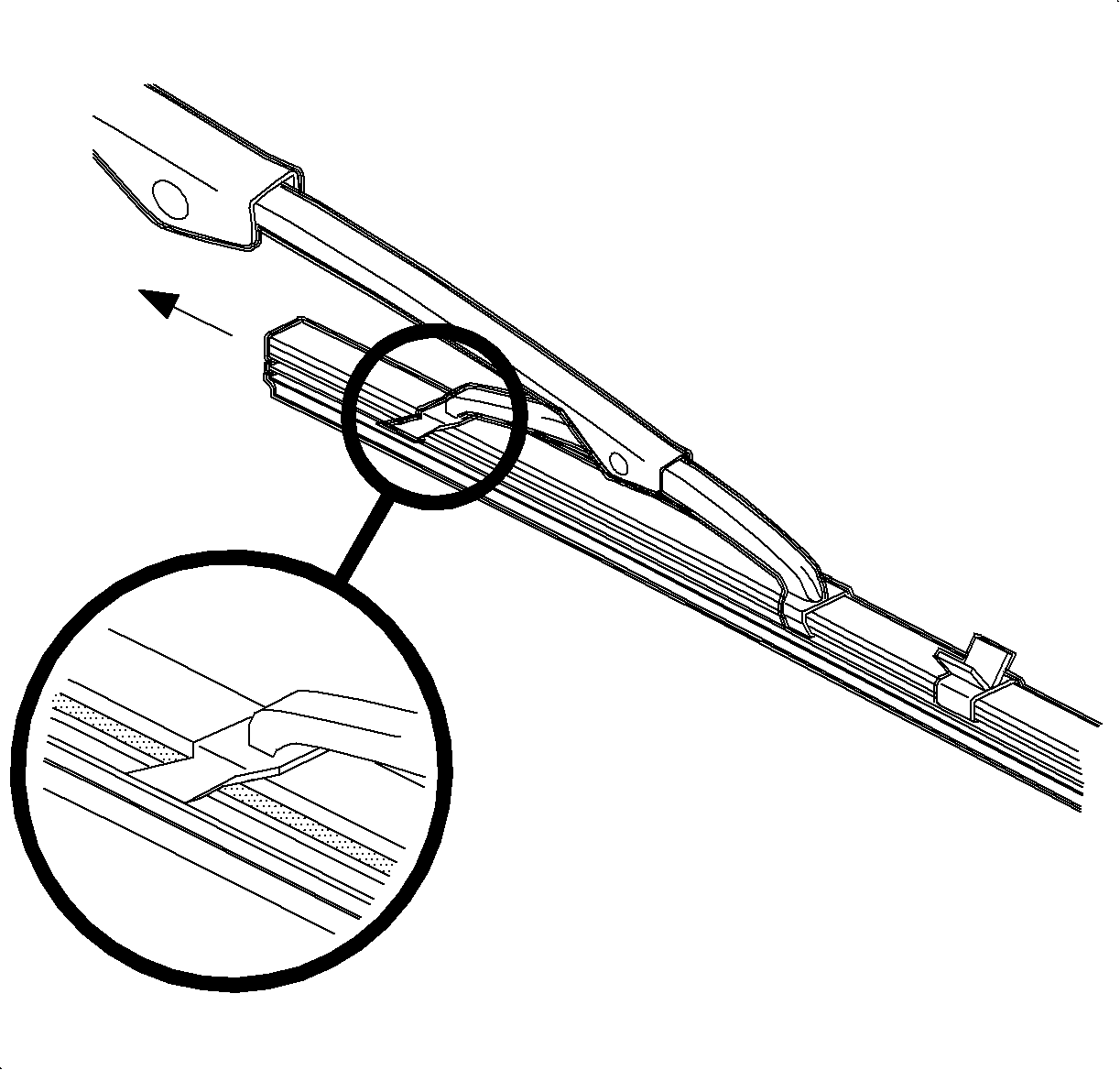
    Object Number: 866870  Size: SH
    Click here for detailed picture of above image.

    Important

    The wiper blade insert can be installed from either end of the wiper blade.

    Important

    Do not remove the retainer clips from the new wiper blade insert until installed.

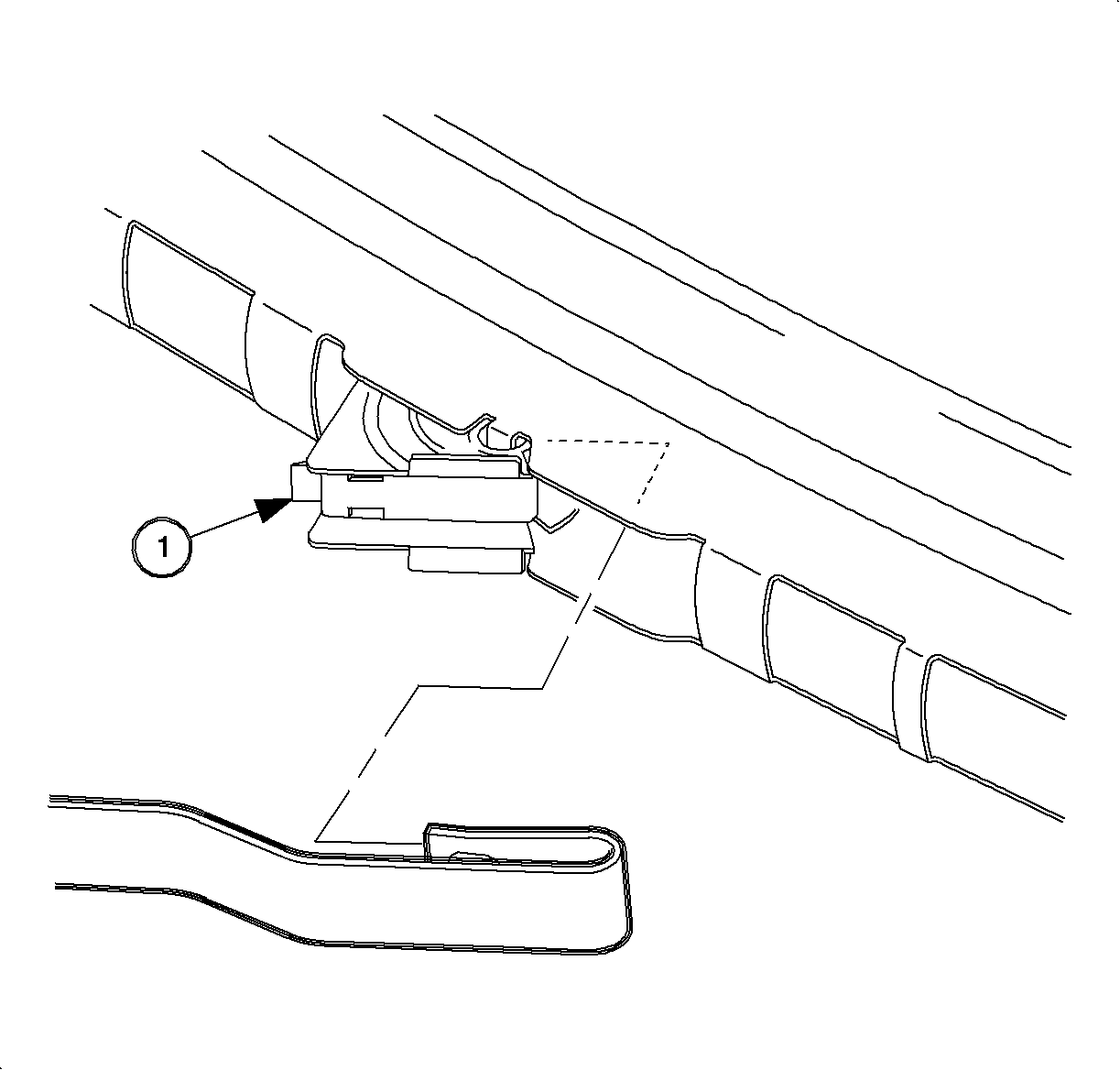
  1. Install the wiper blade insert by sliding it through the wiper blade claws until fully assembled into the wiper blade. Remove the clips as needed when sliding the insert through the claws.

  2. Object Number: 866872  Size: SH
    Click here for detailed picture of above image.
  3. Secure the wiper blade insert to the wiper blade by pulling the insert so that the notches engage into the heel claw.

  Document ID# 874768
1998 Saturn SL2/SC2/SW2