Power Window Switch Replacement - Rear Door
Removal Procedure
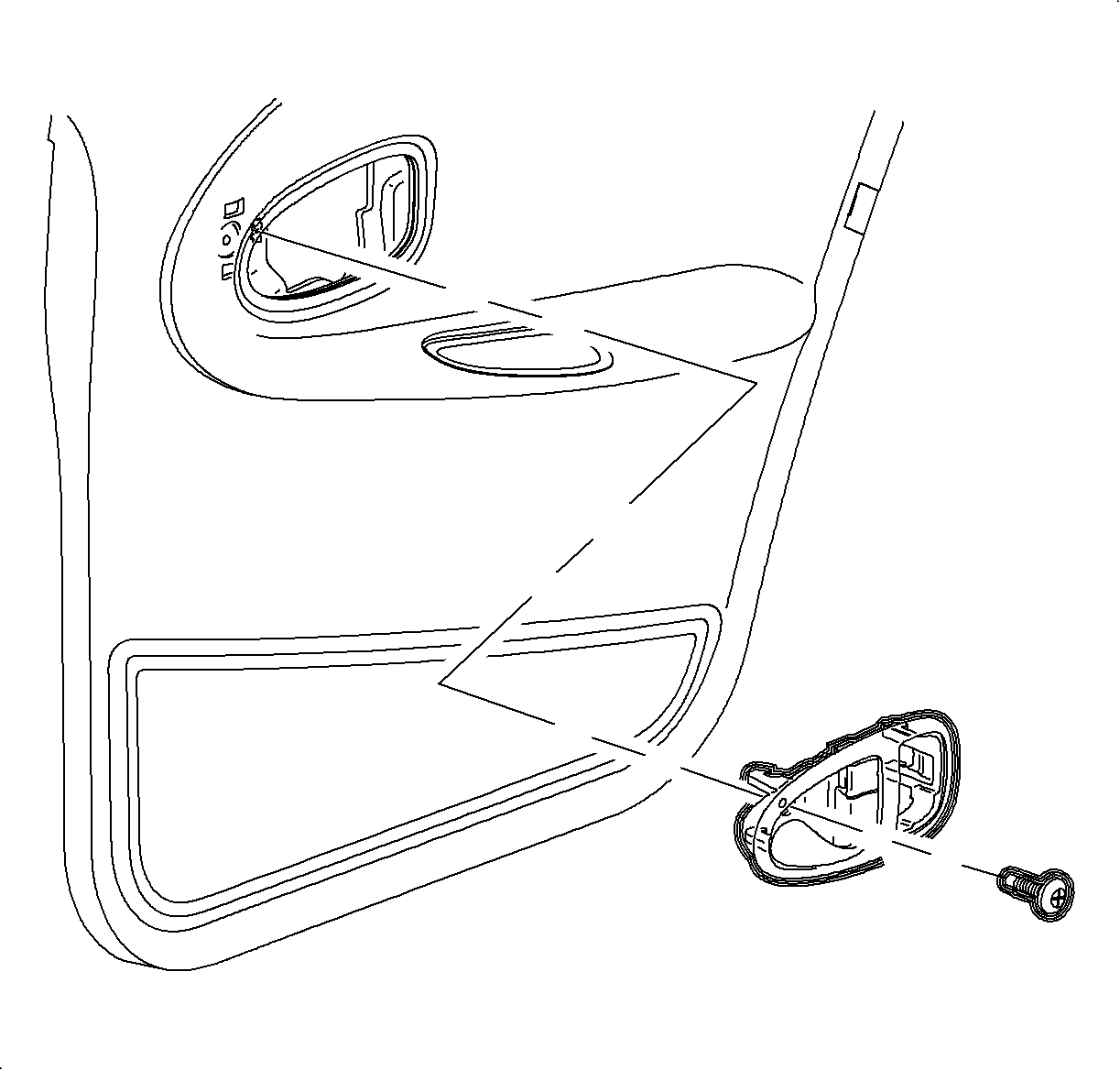

- Remove the screw from center of inside door handle assembly.
- Slide the door handle assembly forward while pulling outward from the
trim panel.
- Disconnect the electrical connector.
- Remove the switch from the door handle assembly by releasing the retainer
tabs.
Installation Procedure
- Install the switch to the door handle assembly.
- Connect the electrical connector.
- Position the door handle assembly into the trim panel.
- Install the screw in the handle and tighten
Notice
Refer to Fastener Notice in Cautions and Notices.
- Check the operation switch.
TightenTighten the rear door inside release handle fastener to 2.5 N·m
(22 lb in).