Document ID# 871217
1998 Saturn SL2/SC2/SW2
Speaker Replacement - Front Door
Removal Procedure
Remove the door panel. Refer to
Trim Panel Replacement - Side Front Door
in Doors.
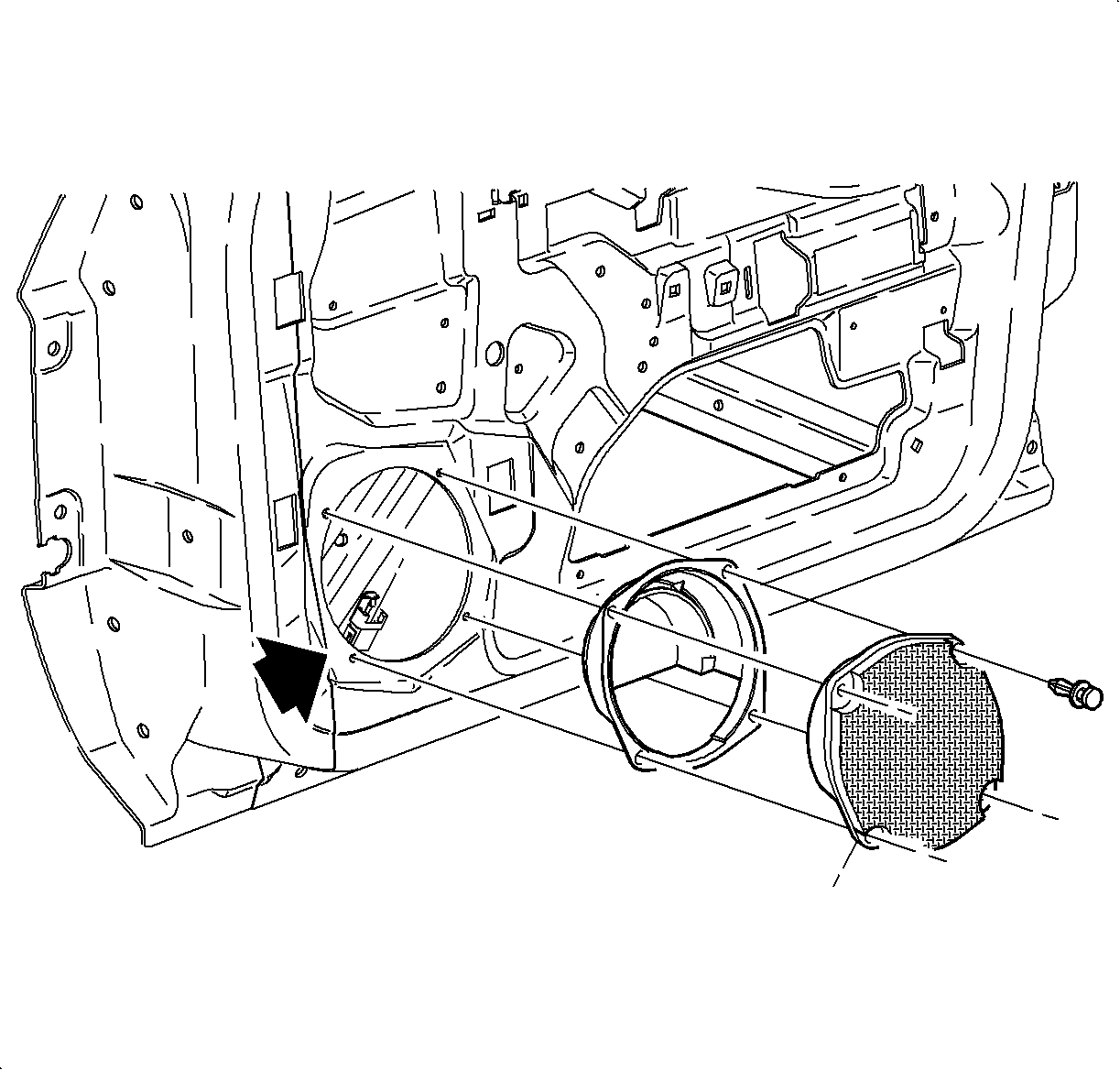
Remove the speaker fasteners and pull the speaker away from the door assembly.
Disconnect the speaker wire harness from the speaker.
Remove the speaker from the vehicle.
Installation Procedure
Connect the speaker harness wire to the speaker.
Place the speaker in the door assembly and install the fasteners.
Install the door panel. Refer to
Trim Panel Replacement - Side Front Door
in Doors.
Document ID# 871217
1998 Saturn SL2/SC2/SW2